World Time - Module 643 by elucis
 There’s a new watchface on the Rebble App Store!
Go check it out in the App Store!
There’s a new watchface on the Rebble App Store!
Go check it out in the App Store!
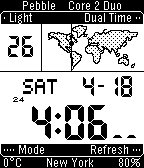
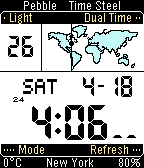
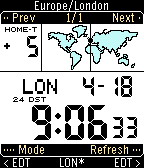
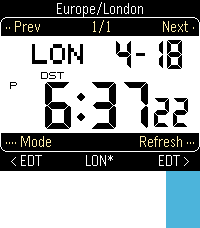
 Aplite screenshots:
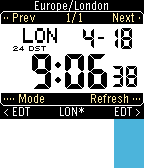
 Basalt screenshots:
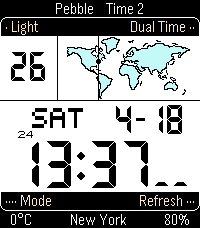
 Diorite screenshots:
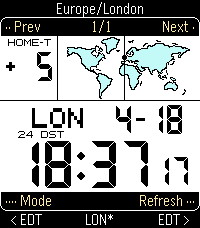
 Emery screenshots:
 Flint screenshots:
 Update alert!
 elucis just released version 1.6 of World Time - Module 643!
- Bigger map point for emery
Really great! However on my OG Steel, shaking the wrist has no effect at all (or do I have to change something in the settings?)
Hi!
One wrist-flick will trigger just the system light. Additional gestures are done via multiple wrist-flicks in a row – you can see in the configuration page the instructions on top:
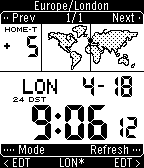
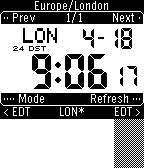
2 wrist-flicks: Dual time, switches to another timezone of your choosing (default to Europe/London)
3 wrist-flicks: Shows seconds and refreshes weather, location, and other data.
4 wrist-flicks: Switches to World Time mode.
You’ll also get buzzes on your wrist when a multi-gesture wrist-flick worked (2 buzz for 2 wrist-flicks, etc.) If you have any constructive feedback on how to word it better, or a better place to put the instructions, let me know!
Let me know how it goes!
Hi, yes I understood this, your description i was very clear. However it does not work, nothing happens, regardless how often I shake the wrist. I have switched off the “light on shake” in the settings, might this be the reason? But all other watch faces react well on shaking. Best regards
Hmm. The window for continuous flicks is 0.1-0.5 seconds. That’s 120-600 beats per minute rhythm-wise. For me, flicking my wrist as-fast-as-possible works. The only other thing I can think of is somehow the Steel is ignoring multiple wrist-flicks for some reason, and I would love to find the reason.
The system’s “light on shake”/”motion backlight” setting would not affect 2-4 wrist-flicks in anyway.
Thank you for your reply! I have tried again, but no matter how often and how fast or slow I repeat the shaking, nothing happens, unfortunately. With the setting “light on shake" set to "on” the light is activated, as it should be, but nothing else happens when shaking more than once.
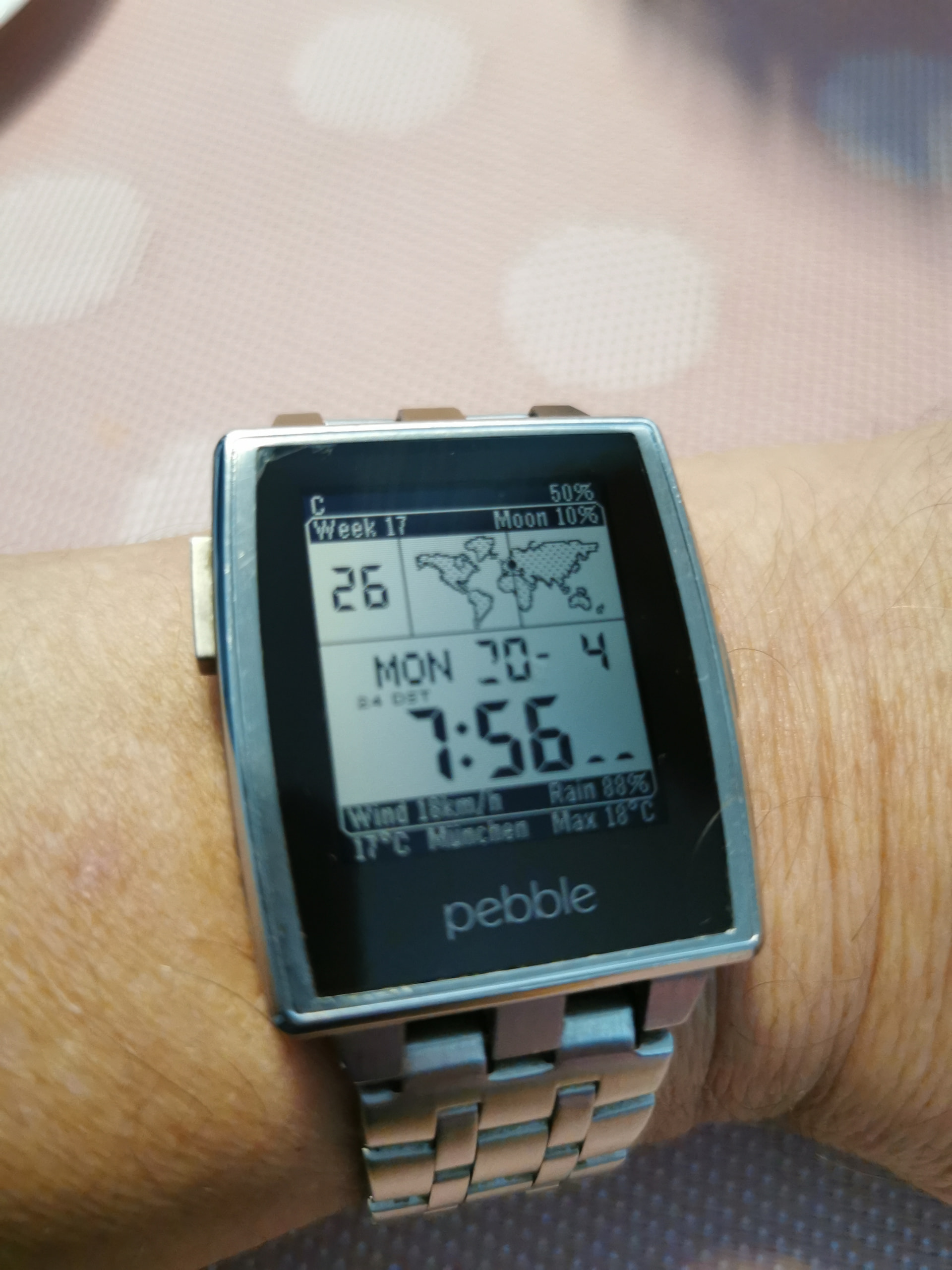
I have noticed another minor flaw: with the “day before month" active in the watchface settings, there seem to miss some segments in the "2” of today’s date, I attach a photo.
Thanks for the info! I’ll reply here when I can diagnose whats going on. I’ll also look into adding rebindings so single flicks can do stuff.
The DD/MM issue should be easy to fix, will do that the next couple days!
Update alert! elucis just released version 1.7 of World Time - Module 643!
- Fixed bug with text overlaps
Good news: i shouldve fixed the issue occuring in ddmm mode.
Bad news: unfortunately for now if you’re unable to refresh the data with wrist-flicks, the weather and geolocation will be stale forever. The other data should automatically refresh though.
If you ever find another app (eg astosia’s bearing on repebble store, my other app Dromo GC) with multiple wrist-flicks that work for you, let me know. Would be a helpful datapoint
Thanks for the fix, the number “2" is ok now, great!
I am still using the old rebble store, and unfortunately I don’t find the " bearing” app there.
When trying Dromo GC, it works when I set the slider to 1 flick, but when I set it to 2, it does not work.
I have another watchface here (Din clean) which uses multiple flicks, and it works. However it seems the approach is slightly different: it recognises single flicks and the logic of switching between the different screens is coming afterwards: first flick goes to screen 2, and when being on screen 2, and detecting another flick, it goes to screen 3, and vice versa. After a timeout, it goes back to screen 1
Does this version work for you? It uses the same timeout and logic as Din Clean.
https://limewire.com/d/pZk13#6CMyd98Ewl
Download worked, thank you! Unfortunately, right now I cannot test, will be back asap!
I could make some tests now, thank you for your patience.
This is great feedback! I designed it this way because I wanted to maximize battery life but acknowledge other use cases/preferences.
I have some solutions and will get to it this weekend. Would love to know in the future if you get used to the timing of the flicks.
Thanks again for helping debugging, and glad you are enjoying it.
Hi, it seems I have found another issue:
Before, I had added one world time zone in the watchface settings. It worked well. But now I prefer to remove it, because after flicking the wrist 2x (sometimes that happens without intention) I get the other time zone. But I don’t need this, as long as I am not travelling.
So I have removed the 2nd time zone in the settings. But it looks as if it does not go away on the watch.
Not a big issue, as a workaround I can still set my own time zone as the 2nd time zone.
Hi, since I can’t work seem to reproduce the issue (maybe I’ve fixed it locally) can you try this workaround?:
This should explicitly count all the timezones saved (in your case, 0).
Hi, ok, I have tried this, and it shows 0. And strangely the issue cannot be repeated now. However I am 100% sure I had the problem as described, some hours ago, when I wrote you, and I did not change anything in the mean time. Btw. I noticed that issue already yesterday once
Now I made another test: added one time zone again, before no other time zones, now one. In World time mode, the new time zone is there, I can switch between 2 time zones. But in timekeeping mode, the new time zone does not appear. When flicking 2x, it remains at my local time. No idea what is happening, it is the opposite effect of before