Hi, ok, I have tried this, and it shows 0. And strangely the issue cannot be repeated now. However I am 100% sure I had the problem as described, some hours ago, when I wrote you, and I did not change anything in the mean time. Btw. I noticed that issue already yesterday once
Now I made another test: added one time zone again, before no other time zones, now one. In World time mode, the new time zone is there, I can switch between 2 time zones. But in timekeeping mode, the new time zone does not appear. When flicking 2x, it remains at my local time. No idea what is happening, it is the opposite effect of before
And now, 30 mins later, and without doing anything (!), the 2nd timezone appears in timekeeping mode, when flicking 2x. It looks as if this kind of change in the settings appears in the watches timekeeping mode with a certain delay. Anyway, as I wrote before, it is not a big issue for me
Actually this was incredibly helpful. When you deleted then re-added the timezone, dual time isn’t set and so it defaults to not doing anything (despite technically having a timezone to swap to.) Likely when the app restarted, it tries to look for a timezone to set as Dual Time and found one. I’ll fix this bug
In the next update you’ll be able to rebind/unbind the functions to your liking
It’s saying that the watchface does not answer. Might it have to do with the fact that I had sideloaded the .pbw version before? Deleting and re-installing the new version from the store did not help. The previous .pbw version still works (as before)
This however, I am not sure about. There are sliders under Multi-Flick Window, but I have no numbers underneath it (likely because I am not running on Android.)
Here is a version with something that I think might fix it, so do let me know so I can add the fix and post it.
I appreciate the feedback. https://limewire.com/d/BPVmV#IhXPROhHzO
Hmm if you get a chance to try this let me know: https://limewire.com/d/tLYVa#EIzwrj3BNa
I think I know why it’s greyed out but hard to test for me at the moment.
Hi and thank you! There is no change, the text is still black. It looks as if it has to do with the type of text fields: At wakeup duration, auto refresh and forecast range, the text is shown as it should be, in white, while at the geolocation coordinates and the flick milliseconds it appears black.
This is really a minor issue. From my point of view it can certainly stay like this.

 Update alert!
 elucis just released version 2.0 of World Time - Module 643!
 Update alert!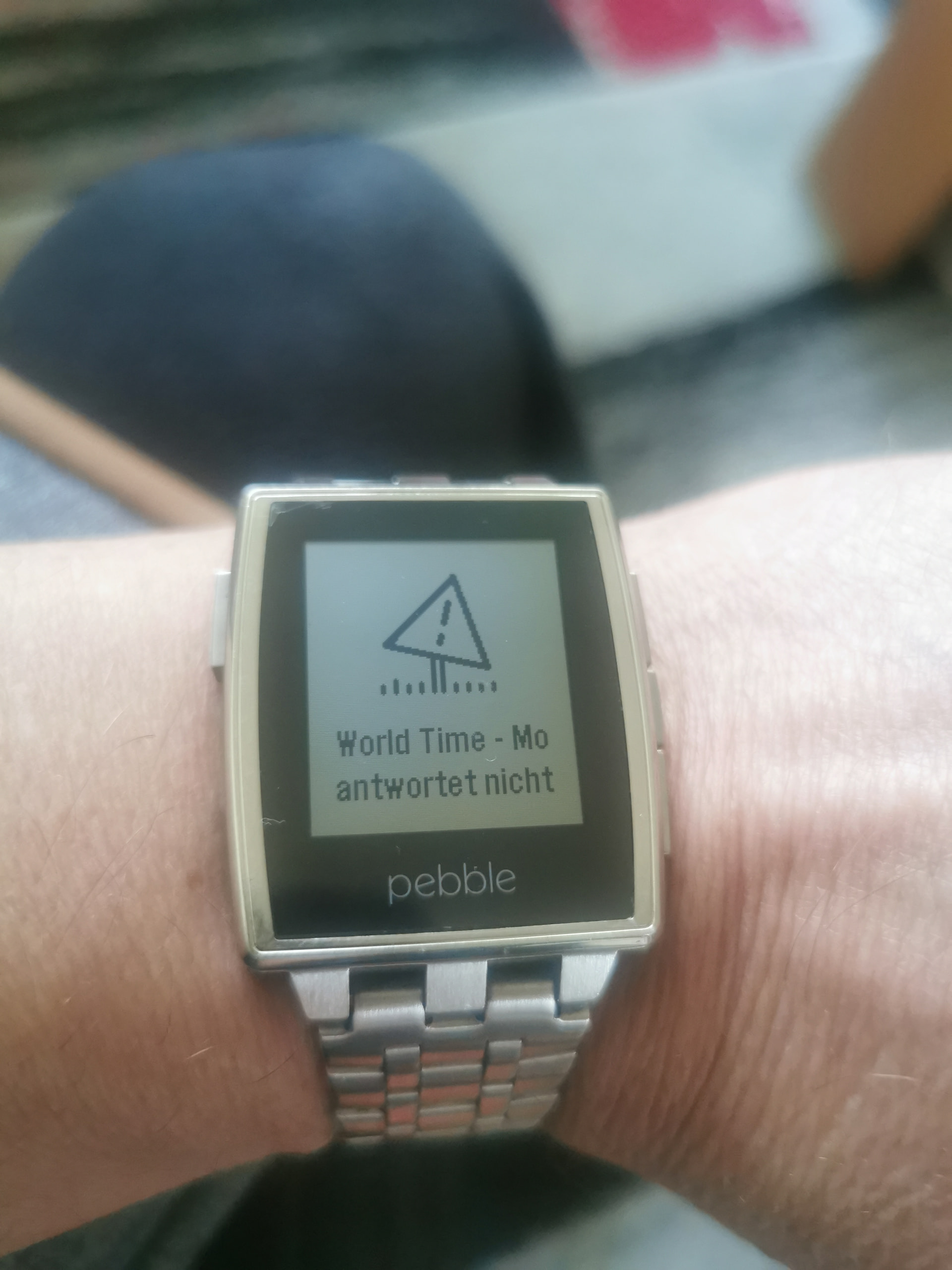
 Update alert!
 Update alert!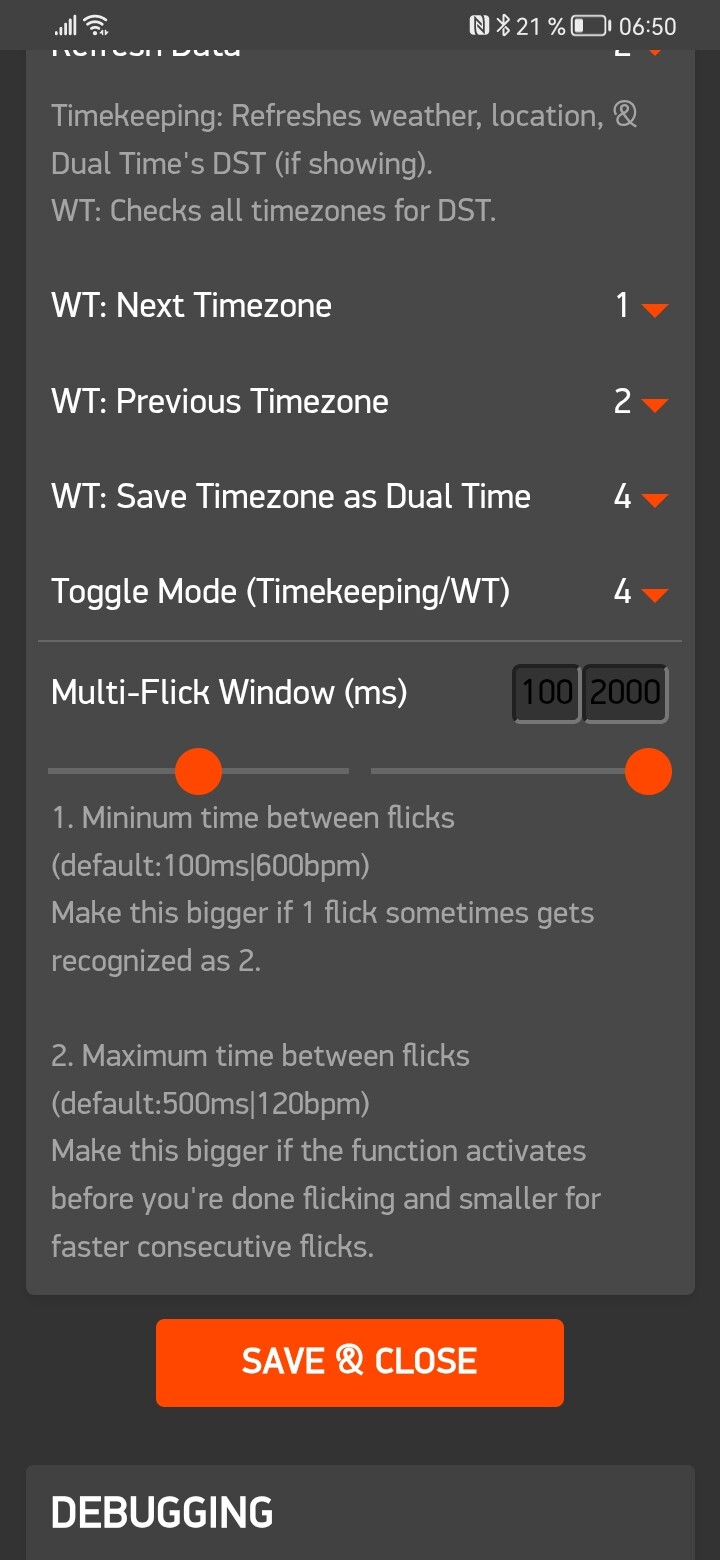
 Update alert!