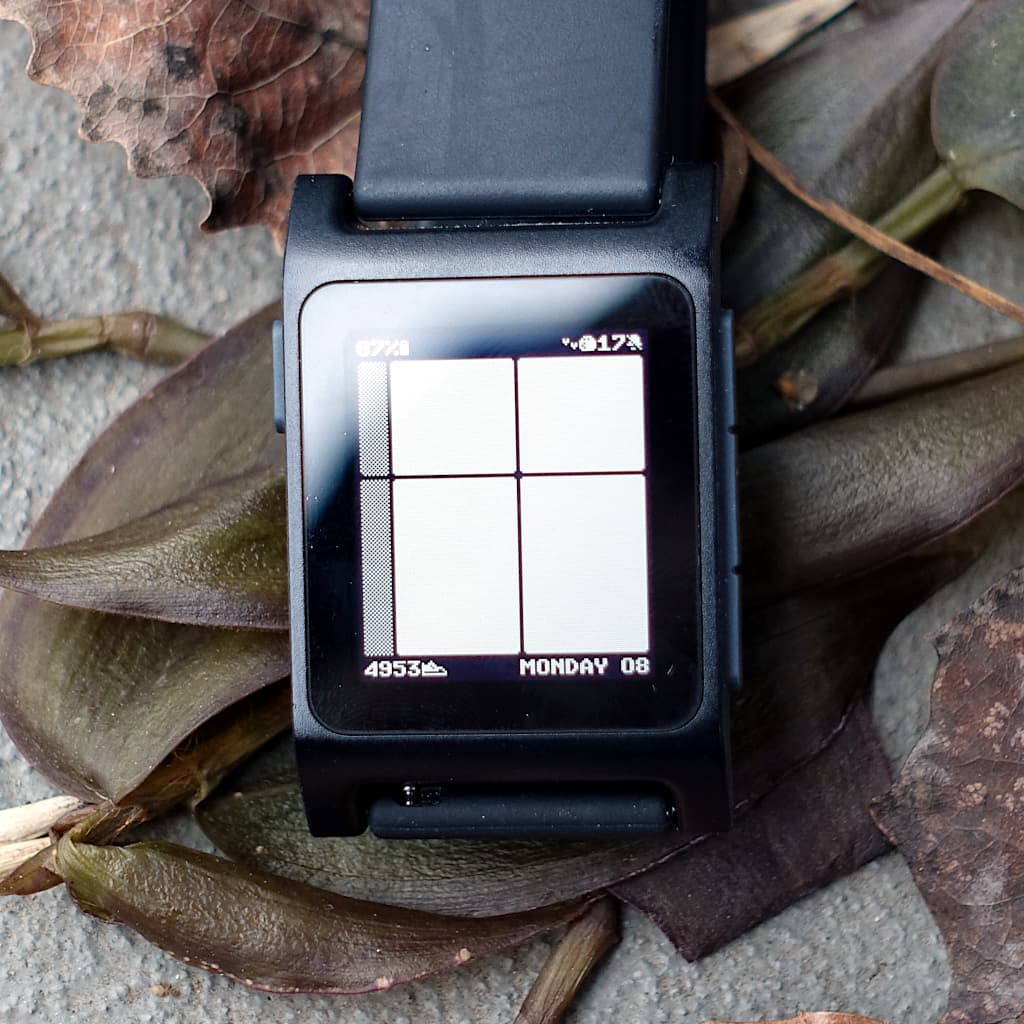
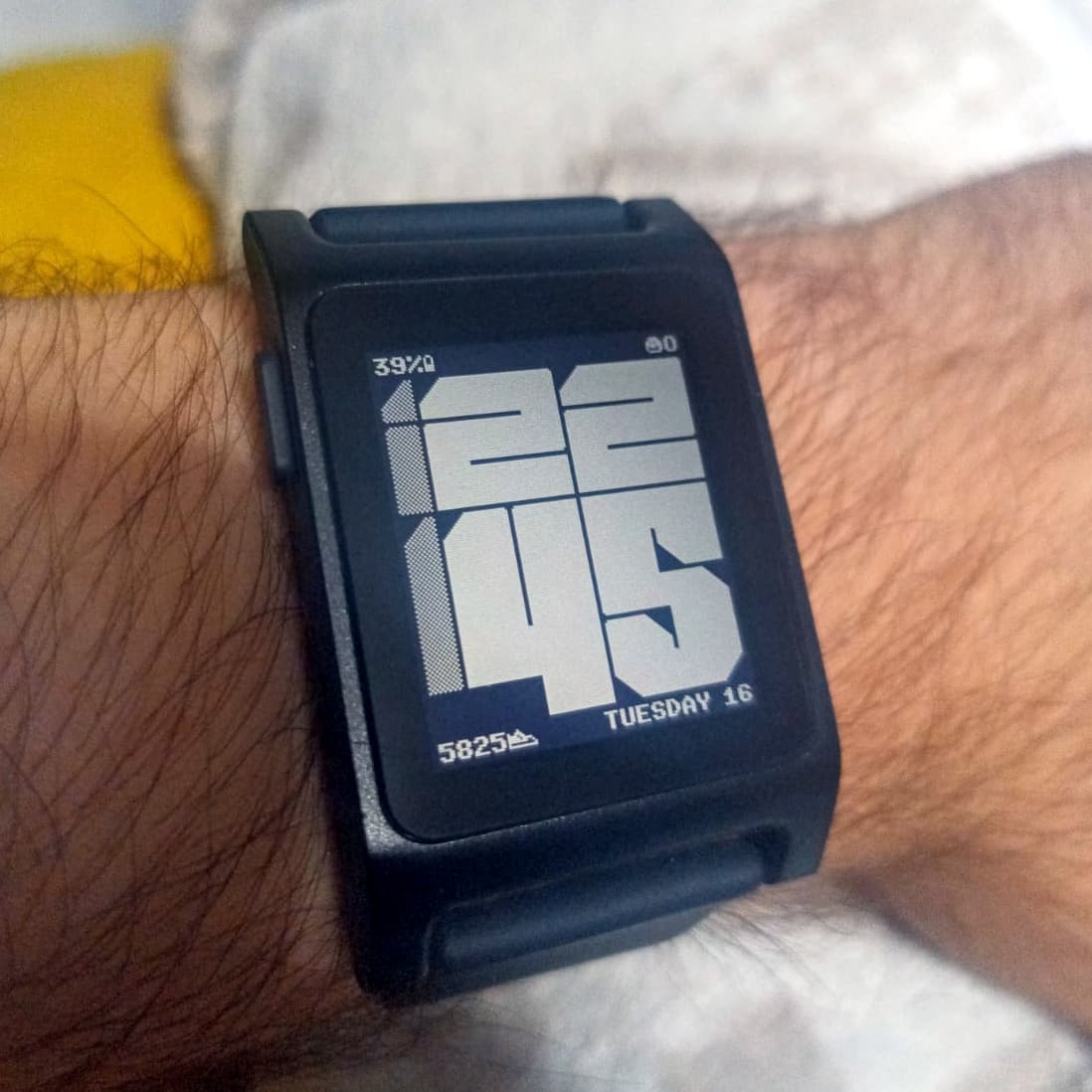
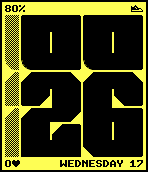
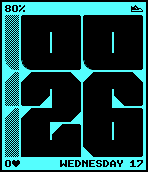
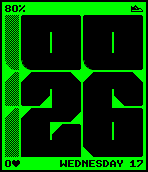
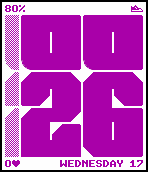
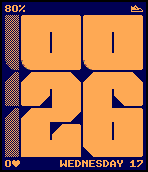
Naive is a watchface I have been developing for few weeks now.
I was posting updates on Discord but I want to use new forum so I’m moving everything here. In short, this watchface will have 4 small text areas in each corner and 4 big digits in the middle with digits for minutes taller than digits for hours.
I’m still missing the main 4 big digits but 4 text areas with custom bitmap font work and I’m approaching Beta1 version.
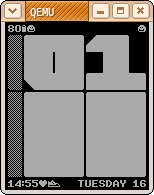
One of early designs (just a bitmap image tested on Pebble):
So excited for another instant classic from Irek. I love the groovy typeface, I love the gimmick of squishing the text around, and I love how you balance style with data display.
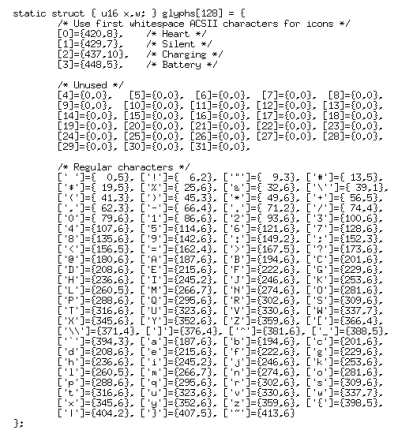
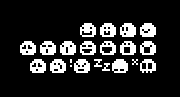
Small font for text areas can support up to 32 icons with height of 7px and vary width. Besides basic stuff like icon for disconnected bluetooth, silent mode or charging battery I’m thinking of something more fun.
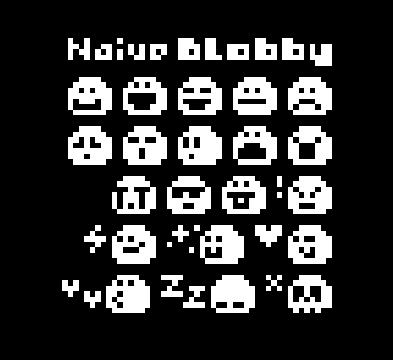
Meet Blob. It’s a naive little creature that lives inside watchface top right corner. It can be happy, get mad or surprised and fall asleep. It can even die. All depending on Pebble state, time of day and your activity.
It might seem weird that I’m calling this beta1 version even tho watchface doesn’t actually show time xD But actually most of the functionalities and code has nothing to do with hours and minutes. Those 4 text lines, icons and custom settings are in the center of focus in Beta1.
Few people wanted to help me with beta testing. I will send private message to you on Discord with Beta1 build. You can report back to me in private conversation or even better here on forum. And don’t stress if you don’t have time or you will do it next week. Any feedback at any time will be great. Thanks for help Send me private message on forum if you want to help in testing.
What is ready and can be tested:
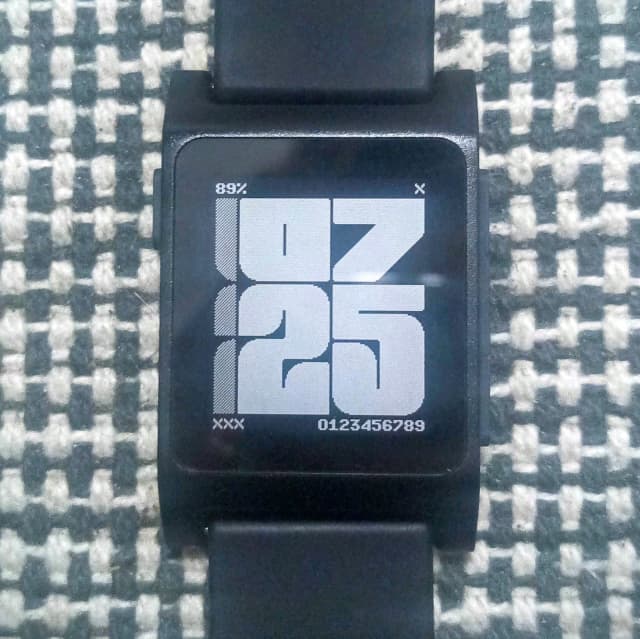
Custom bitmap font for text lines. It supports full range of ASCII characters (except for the lowercase letters). It would be great to test all of them to see if they are displayed correctly and if they look good. So far I found only one mistake, letter “I” was wrongly mapped and displayed partially letter “J” from the font atlas (see attached image).
Font is not a monospace font. Some character are wide like M and W, some are narrow like I.
Each text line should display proper date and time according to strftime(3) man page. At least the proposed presets in settings page should work as expected.
The settings page should work as expected. It has a documentation of format strings and presets for each text line.
Pebble values in format string should work, the battery and steps.
Icons should work, all possible icons are described in settings page. Some icons have logic like for example charging icon is visible during battery charging and warning icon when Pebble is disconnected from the phone.
Text lines should not overlap. In settings page there is no hard limit to the string length but in code 32 bytes is all that each text line can take. They can still conflict with each other. The current approach to this is that such scenario is an edge case, so users will not try to collide left line with right line on purpose. But if they did then line on the right will simply draw over left line.
There are vibration settings for Bluetooth connect and disconnect events.
There is a setting for vibrations on each hour.
There are number of options for update intervals. By default watchface update each minute. But this can be changed to seconds which makes sense when %S is used in text lines to show seconds.
There is Blobby. Settings page describes how to insert Blobby that looks to the left or to the right. You can insert many bloobs at the same time. Currently there are 20 different expressions and expression change on Tap (shake). By default (see attached picture) there is a number next to Blooby. It’s undocumented custom variable #i which shows index associated witch currently displayed expression. This can help with feedback. If you find some expressions boring, unreadable or simply not interesting, not fun you can report them to me with this number (or screenshot).
If you want to try using this watchface daily to see how it reads but you still need to have regular hours and minutes then you can add them to any text line with %H:%M.
You can test different color combinations on color displays. I tested only on BW.
I love blob so much. Was blob always intended to be part of this watch face or did you start drawing him and realize he was the star of the show? What is the origin story of Blob?
There are many unused items because those belong to white characters like tab, new line etc. but I’m not going to need any of those. So I though of using those spots for icons. I tried to figured out a number of useful icons but eventually ended up with just few like battery, charging, quiet mode icon and few more.
At this point I was drawing random icons. One of them was standard smile emoji. Not Blobby shape, just a circle with smile. Later that day I saw your post What's on your wrist? - #7 by MrPizzaBoy and I rly liked the idea of this creature with personality inside watchface. I played with emoji created earlier trying to give it more personality. This is how first blob was born. I was able to create surprisingly many expressions in just few minutes. And that was it.
What is the PDC tooling that you were mentioning on Discord?
I’m currently trying to solve a complicated issue with converting a hand-drawn analogue hand from SVG (or PNG) to PDC. If I can’t find good tooling for it from the community, I might have to create my own.
Last time when I needed PDC I created SVG with Inkscape and converted them using svg2pdc.py. But this time I just can’t make Inkscape produce desired SVG. It always adds some kind of transform or groups or strange values in viewbox. Even after cleaning with SVG optimizer results are not ideal. Because of that I’m trying to work PDC format directly.
The tool I mentioned earlier on Discord is a simple encoder/decoder between PDC and text representation of the format. This text representation is just my own interpretation of binary date in form of plain text. Such text file has essentially the same content as PDC but in human readable form. This tool is very experimental. It supports only PDCI, that is images, no sequences (animations) and only path and circle shapes, with no support for precise paths. It proven to be useful but drawing complex shapes by typing x,y coordinates by hand for each point to text file is very tedious. If you want to try it then I have it on my website as single file pdct.c.
My current situation is that I don’t have desired PDC files with shapes for my fonts. I want maximum precision and Inkscape is a pain. I want to work with PDC format directly. So I’m working on another tool with web interface that will have graphical editor. I will give myself few days to make it. If I fail then I’m going back to Inkscape and just suffer through it.
I would not recommend svg2pdc.py, not only does it have known bugs, but since the firmware is open source you can use firmware’s pdc tooling which is more up to date and functional. Even then I would say that for developers using https://pdc-tool.heikobehrens.com/ (or its cli equivalent) is probably the best option
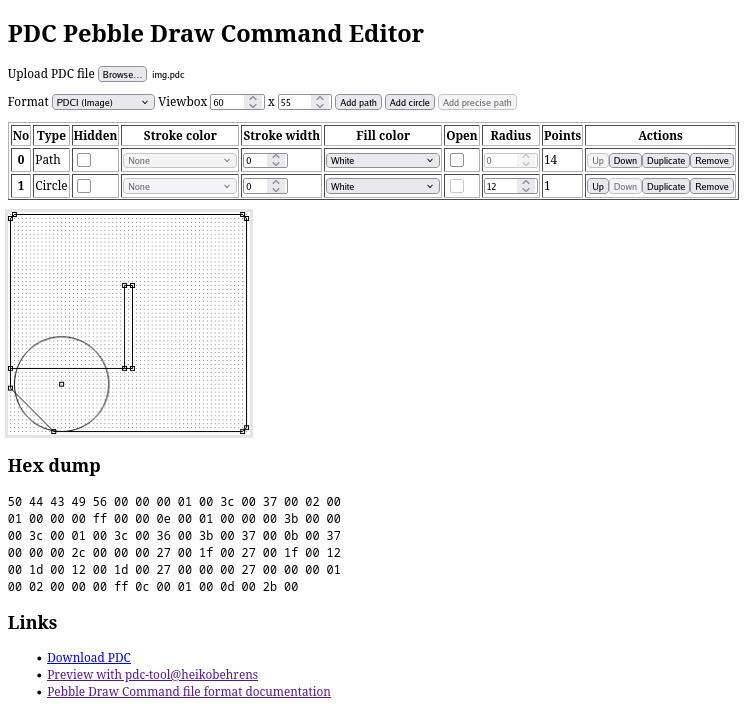
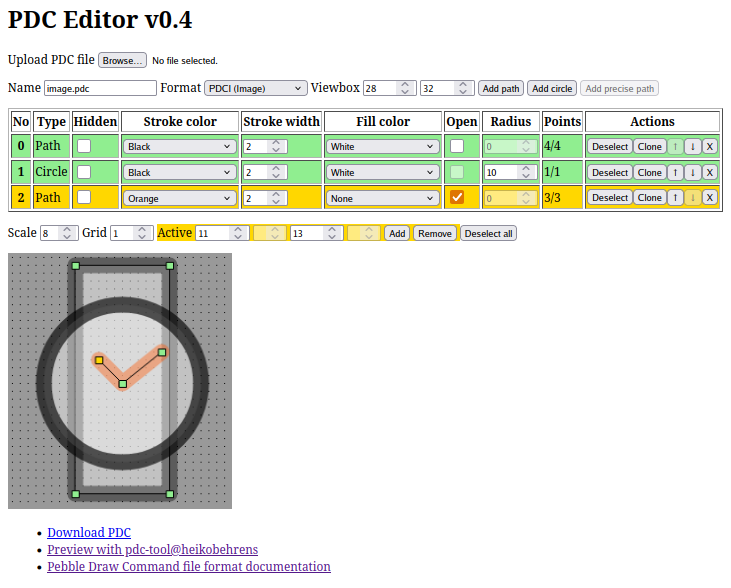
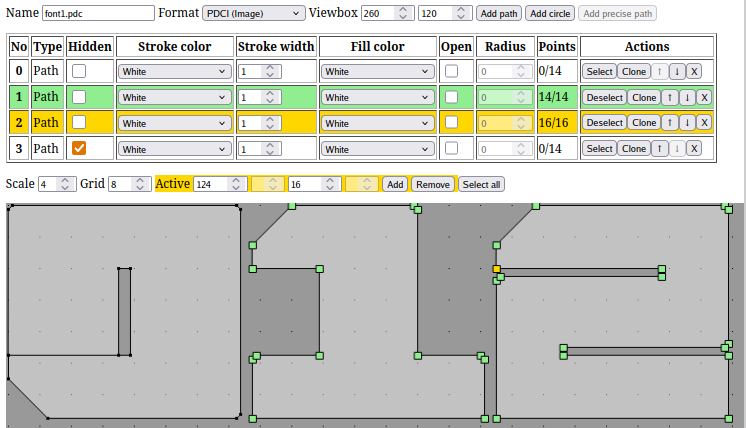
Work In Progress on PDC editor that I will use to draw fonts for digits. It’s very primitive but gets the job done and thanks to awesome pdc-tool I can preview edited image at any time.
It’s super super primitive and early beta but I can finally draw my fonts.
Try it out irek.gabr.pl/pdce.html, it’s just single HTML file so you can save it and use offline or host on your website.
There are a lot of undocumented shortcuts and functionalities might be a bit difficult to understand without instruction so it’s not rly prepared to be used by anyone else than me.
URL stores Base64 encoded PDC file, just like pdc-tool.
I like how you have the audacity to drop the PDC tool site in the thread like another side project on the way to making a face that I’m stressed that I don’t have yet.
Do you think in this or another thread you’d be willing to detail how you use this tool? I struggle with dealing with different tools to get the PDCs I want and I really like that I could guarantee the output based on my input directly.
Are you creating PDCs elsewhere then using this to make changes? Are you drawing sprites in another program then just mapping them over? Are you just freehanding directly in this?

 Send me private message on forum if you want to help in testing.