Shapeshifter
IMPORTANT NOTES
Still evolving
Needs the Pebble app’s plugins preview: Pebble app 1.16 or later, Settings >
Only “Launch apps” is required. Location, calendar and the account sites are used
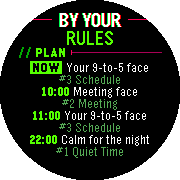
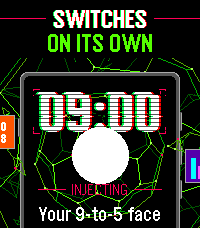
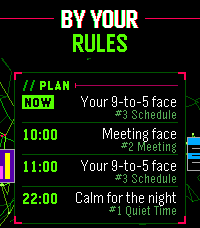
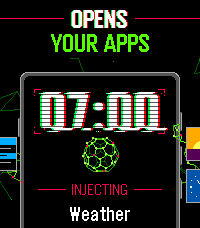
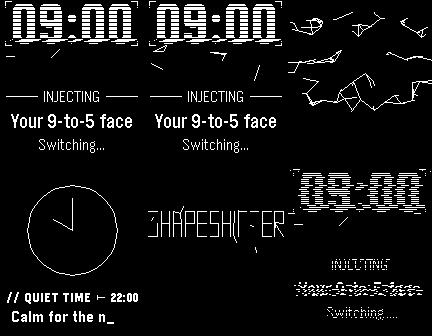
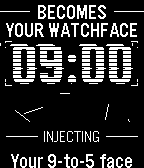
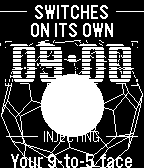
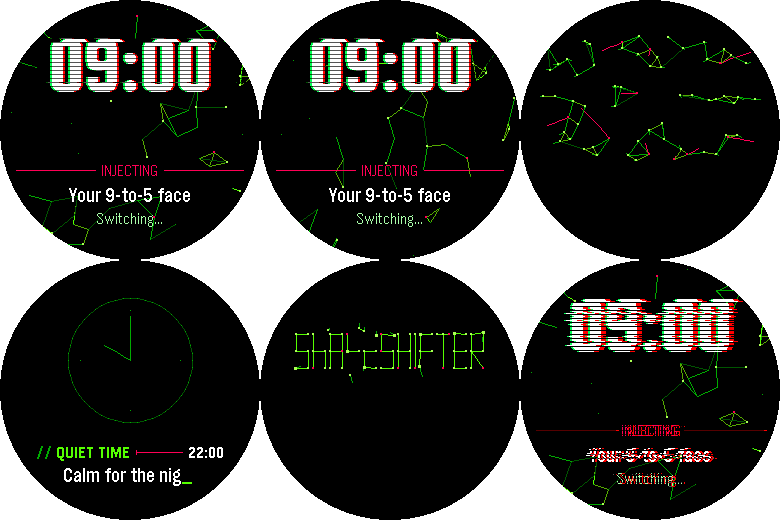
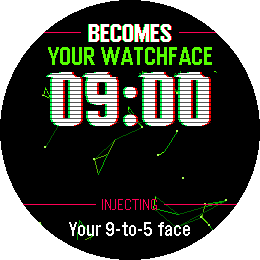
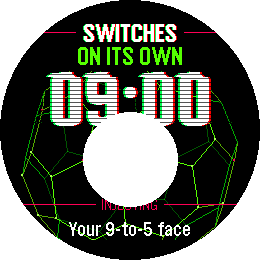
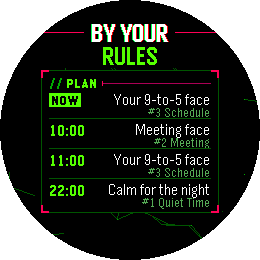
Shapeshifter is a watchface that switches to your other watchfaces by your rules, and
RULES
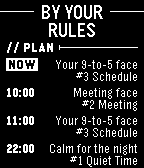
Schedule: a face or an app for certain days and times
Events come before the schedule: Quiet Time, or a calendar event (optionally
Beta events: walking or running, after waking up, at a place you set (Home,
A default face for when no rule applies
Each rule shows a face, a random one from the faces you pick (every 5 minutes up
YOUR LOCKER
Connect your Pebble or Rebble account (or both): Shapeshifter syncs the faces and
It also removes what you uninstalled, and asks first when a rule uses it
Your sign-in stays on your phone and goes only to Pebble or Rebble
FACES AND APPS
Up to 200 faces and 100 apps. They need to be in your locker to open
Add one by hand: search the Pebble store by name, paste a store link, store ID
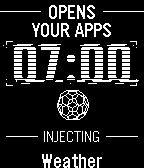
An app opens over your face; leave it and the face is back
A fallback face when a face can’t be opened
Catches up on a missed switch when the phone is back in reach
If you like this watchface and want to support the development, press the https://www.buymeacoffee.com/toaster2 .
Go check it out in the App Store!
Expand
Expand
Expand
Expand
Expand
P.S.: I’m just a helpful robot that posted this. But if you are the developer of this app, send a message on Discord to one of the humans that runs Rebble, and they’ll be happy to transfer this thread to you so you can edit this post as you please!
version 0.19.0 of Shapeshifter - Watchface switcher !
Go check it out!
The apps tab automatically shows default apps: Music, Weather, Health and more
An introduction explains Shapeshifter, and Reset starts it over
The status line is no longer cut off on the Pebble Time Round
version 0.19.1 of Shapeshifter - Watchface switcher !
Go check it out!
Up to 20 rules and 96 switches a week
12 new events: public holidays, the moon, low battery, steps and more
version 0.19.2 of Shapeshifter - Watchface switcher !
Go check it out!
The Plan updates again after you remove or move a rule
version 0.20.0 of Shapeshifter - Watchface switcher !
Go check it out!
A guided setup: bring in your watchfaces and set up your first rules in a few taps
version 0.20.1 of Shapeshifter - Watchface switcher !
Go check it out!
Each permission says what it’s for (Pebble app 1.18.0.1+)
Installing asks only for the permissions Shapeshifter needs (Pebble app 1.18.0.1+)
The store search finds what the Pebble app’s search finds
 There’s a new watchface on the Rebble App Store!
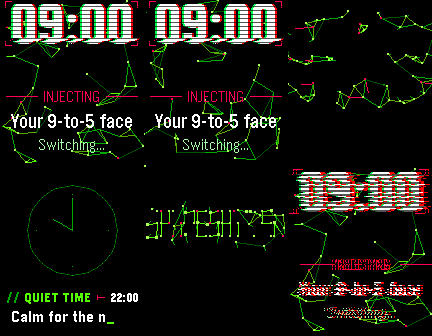
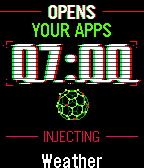
 Basalt screenshots:
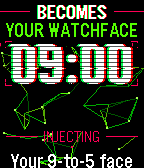
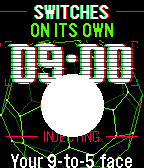
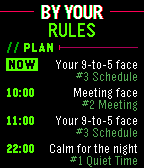
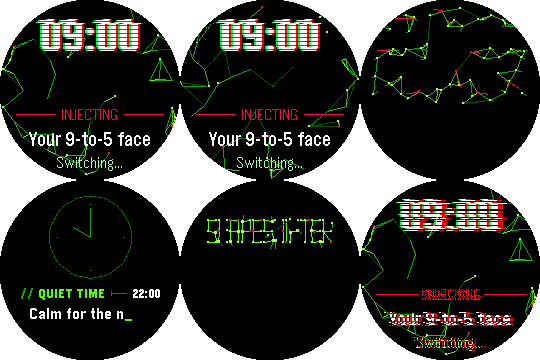
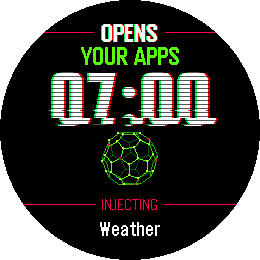
 Chalk screenshots:
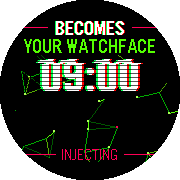
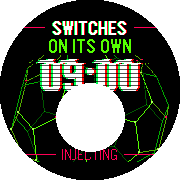

 Diorite screenshots:
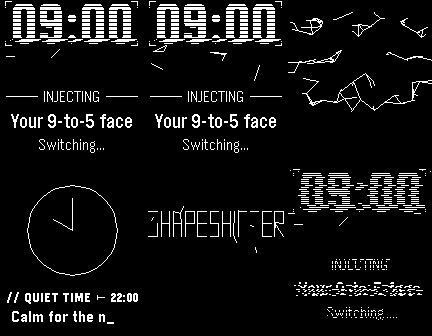
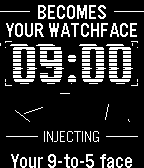
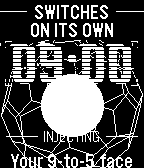
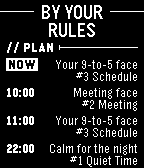
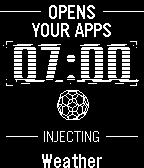
 Emery screenshots:
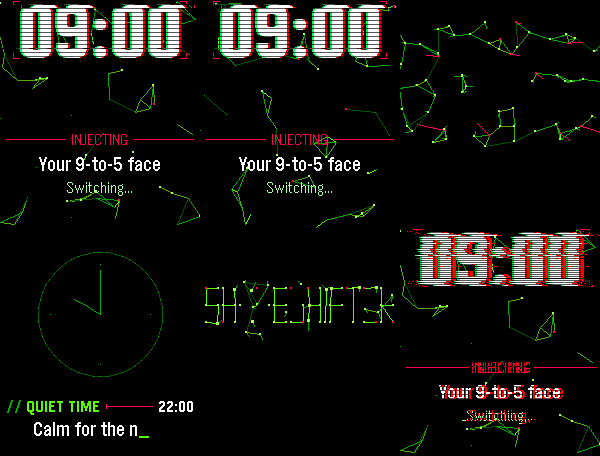
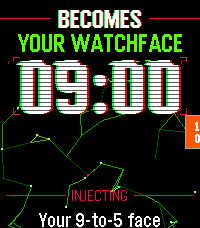
 Flint screenshots:
 Gabbro screenshots:
 Update alert!
 Update alert!
 Update alert!
 Update alert!