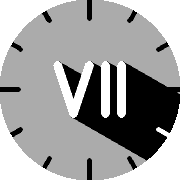
Roman Umbra, where sundial meets clockface.
No AI was used to develop this watchface
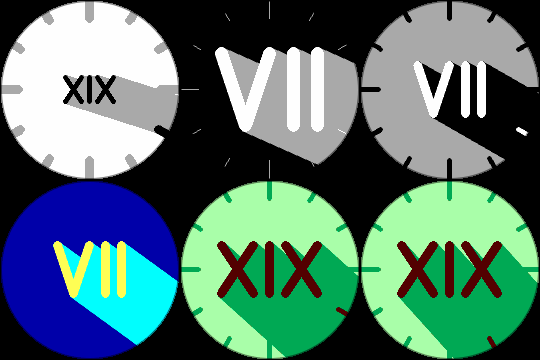
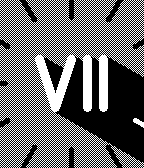
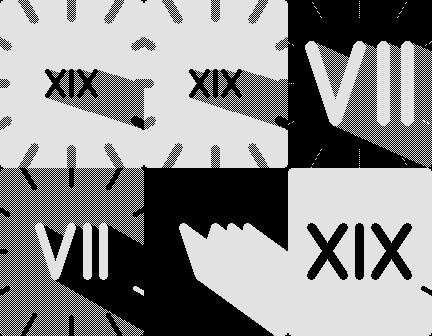
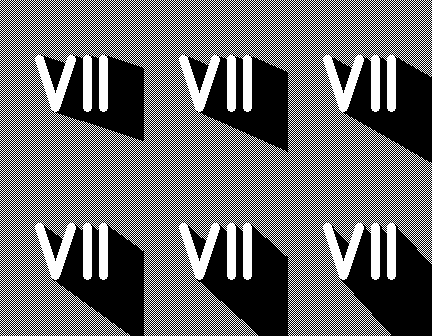
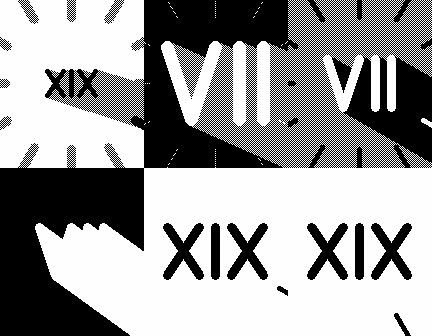
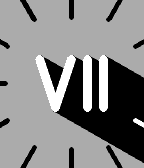
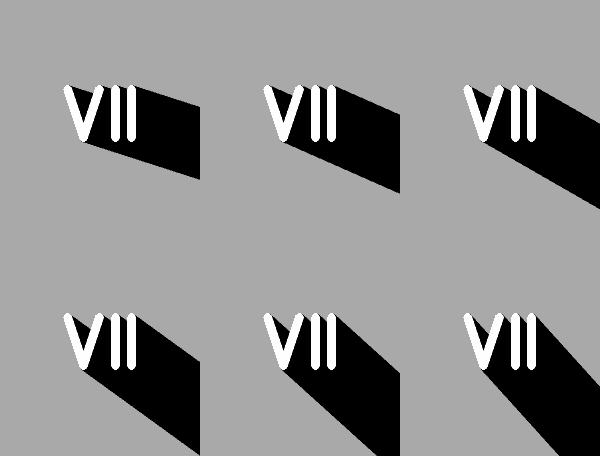
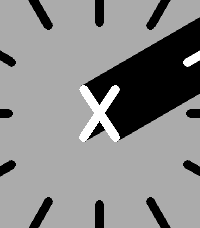
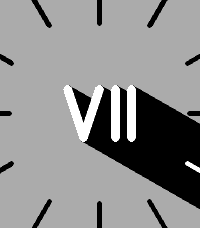
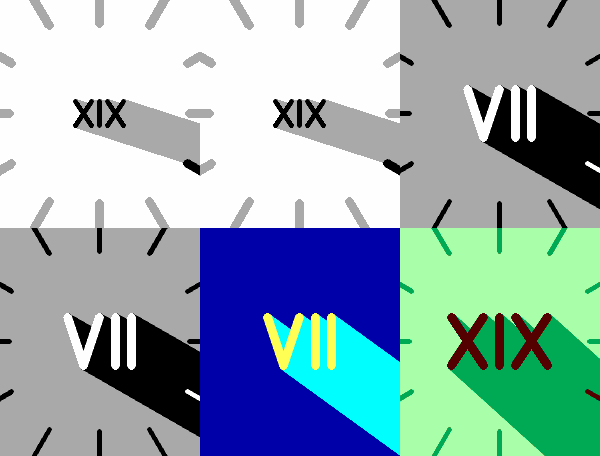
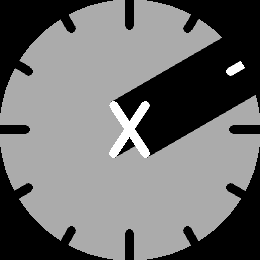
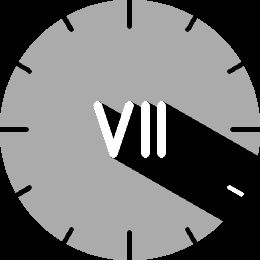
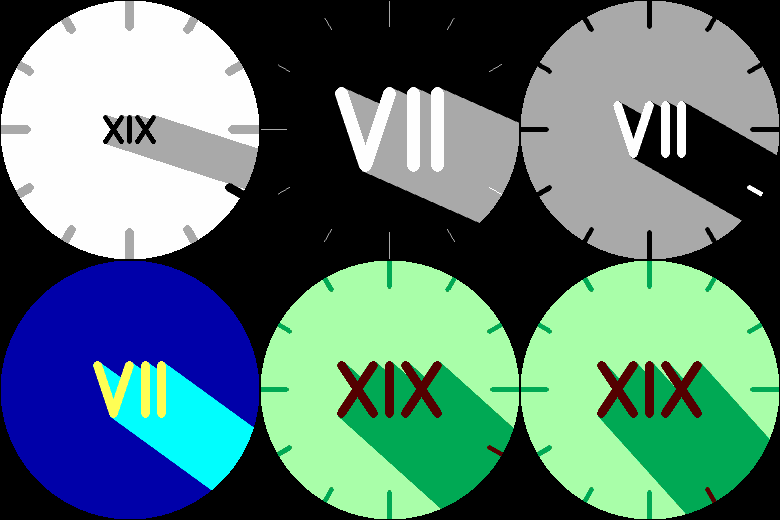
How to read the time: The umbra (shadow) direction is the minute, with Roman numerals for the hour.
Display updates once per minute, and re-sizes for Timeline Quick View.
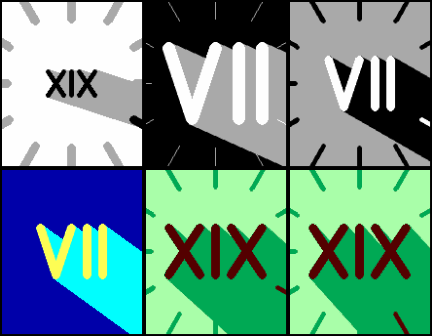
Create a daily color changing schedule! Set the backlight to go red at 9pm**, or the numeral and shadow to be Green at high noon. Color schedule is optional and stored on the watch. Up to 10 scheduled theme changes per day.
Configuration:
Colors of the numeral (hour), umbra (minute), background*, and backlight**.
Size of numeral, and thickness of optional 5-min ticks.
Toggle vibration at the top of the hour ±5mins (adjustable).
Toggle vibration when bluetooth disconnects.
12hr/24hr mode (I-XII / 0-XXIII)
Arabic Numerals (if you really want them)
On monochrome displays, the background and umbra can be set to white, black, or gray. The hour numeral can only be white or black.
Source and Issues at GitHub - KiserDesigns/Pebble_RomanShadow · GitHub
Go check it out in the App Store!
Expand
Expand
Expand
Expand
Expand
Expand
P.S.: I’m just a helpful robot that posted this. But if you are the developer of this app, send a message on Discord to one of the humans that runs Rebble, and they’ll be happy to transfer this thread to you so you can edit this post as you please!
version 2.2.0 of Rombra !
Go check it out!
When set to White, the Backlight Color will be set to the System backlight color instead of pure white.
 There’s a new watchface on the Rebble App Store!
 Chalk screenshots:
 Diorite screenshots:
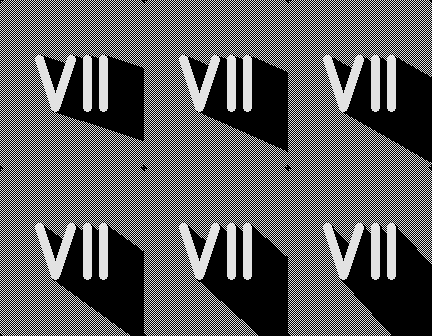
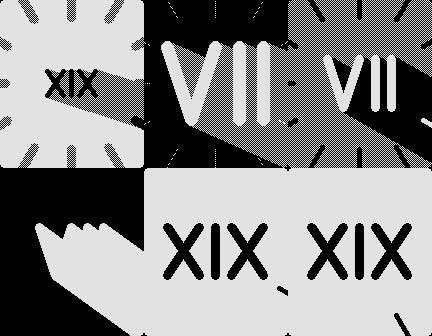
 Aplite screenshots:
 Basalt screenshots:
 Emery screenshots:
 Flint screenshots:
 Gabbro screenshots:




 Update alert!