P.S.: I’m just a helpful robot that posted this. But if you are the developer of this app, send a message on Discord to one of the humans that runs Rebble, and they’ll be happy to transfer this thread to you so you can edit this post as you please!
I was waiting on some sort of approval for distribution from the developer to make the source code public which I got so that’s up now officially.
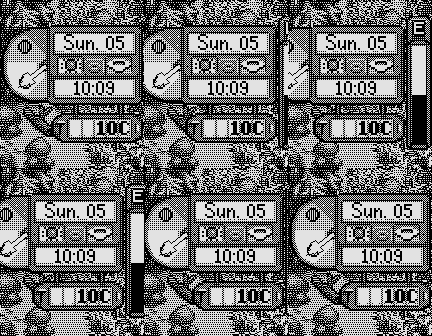
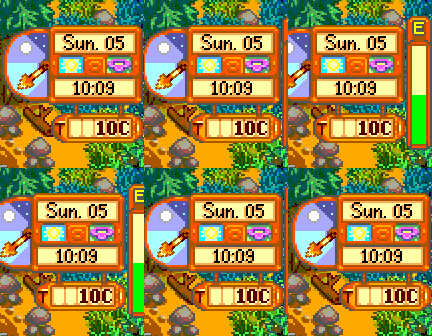
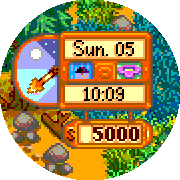
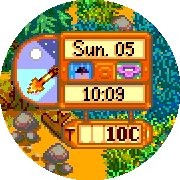
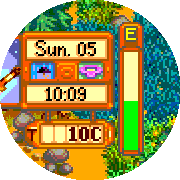
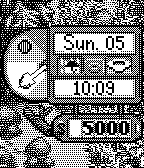
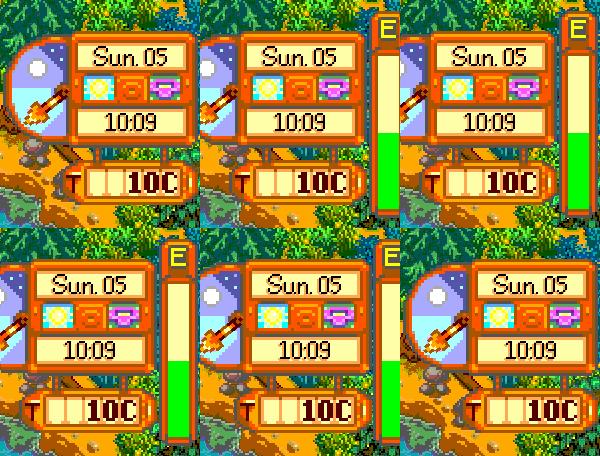
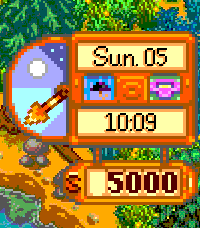
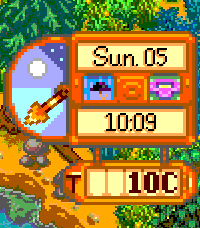
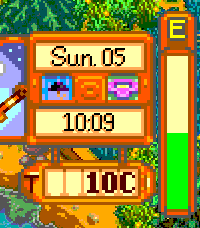
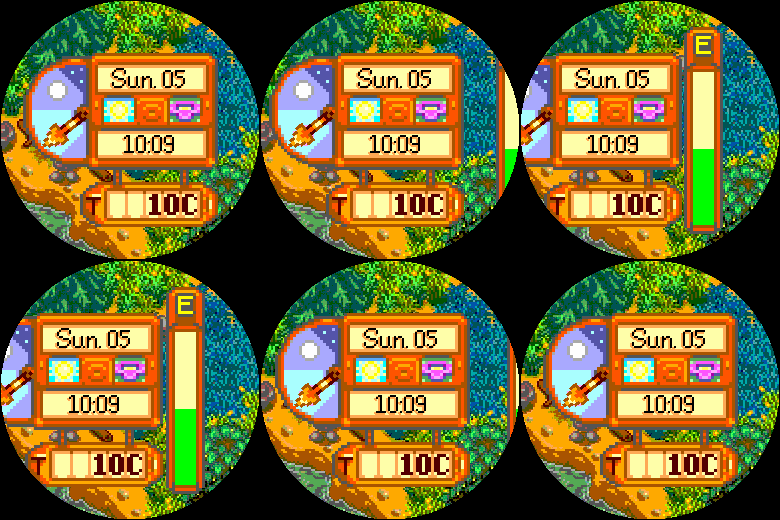
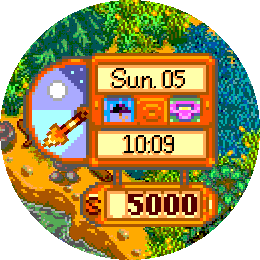
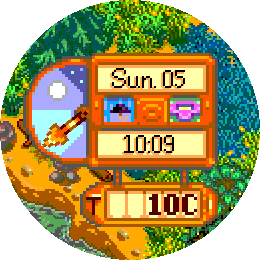
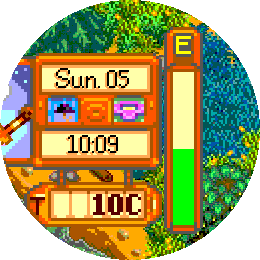
I had to re-create the sprites quite a few times for the different screen sizes. I ended up not being able to scale anything easily because going from 2x2 pixel sizes to 3x3 would have caused Emery to be too large so I ended up chopping off a few pixels here and there. On top of playing with dithering for black and white support which came out pretty okay I think.
The smaller size font I had to do from scratch which it a lot of why it isn’t quite lined up with the larger font as far as style but I have plans around how to improve it in the future. At least now it looks close, even though a side-by-side reveals it’s a pretty different font. I made two of them because I didn’t want to figure out how to deal with fonts outside of a ttf file but I needed them to be drawn to different pixel scales (one is a height of 12, the other is a height of 16, so the pixels can’t scale up correctly for the same reason above)
Other interesting notes:
I had to draw the clock arrow programmatically for Black and White because RotBitMapLayer causes each connected point of the bitmap to rotate, rather than rotating the actual image
The clock hand ticks non-linearly to align with your personal sunrise/sunset. This keeps the asset looking the same as the game while still providing functionality
The background images aren’t on the Pebble color palette at all. I dithered the black and white ahead of time but for now I just let the background be handled by the OS and I think it turned out pretty okay
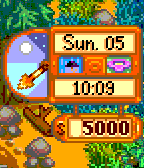
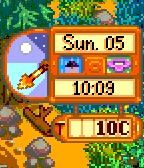
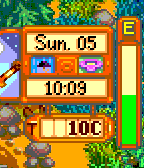
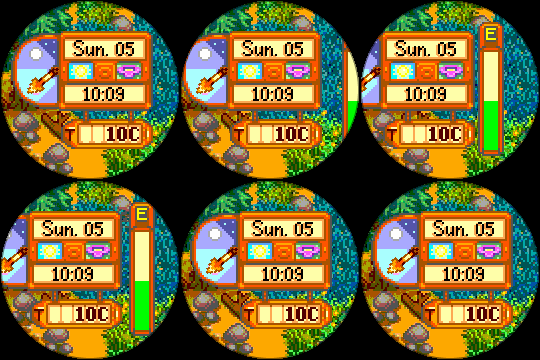
 There’s a new watchface on the Rebble App Store!
 Aplite screenshots:
 Basalt screenshots:
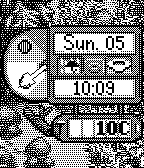
 Chalk screenshots:
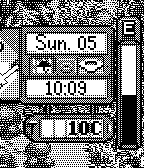
 Diorite screenshots:
 Emery screenshots:
 Flint screenshots:
 Gabbro screenshots:
 Update alert!
 Update alert!
 Update alert!