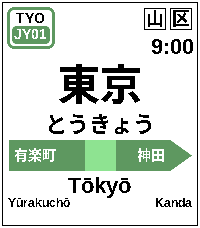
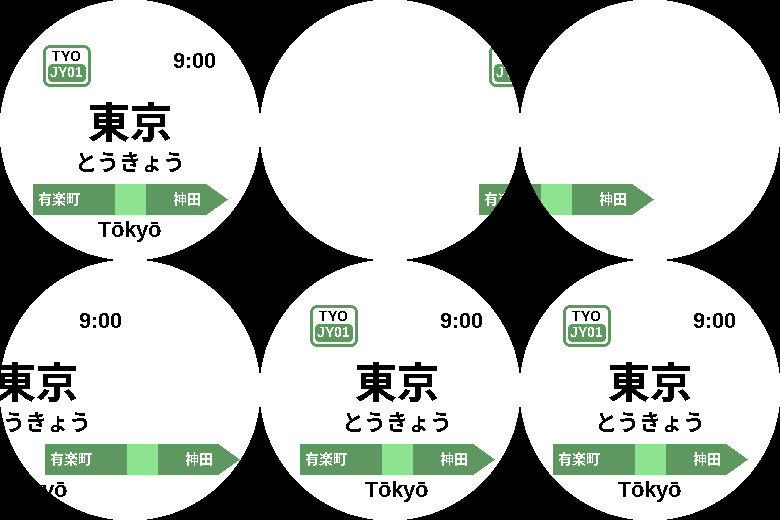
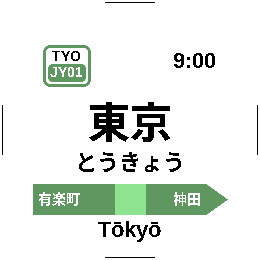
JR East Yamanote Loop by Jaybon
 There’s a new watchface on the Rebble App Store!
Go check it out in the App Store!
There’s a new watchface on the Rebble App Store!
Go check it out in the App Store!
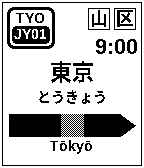
 Aplite screenshots:
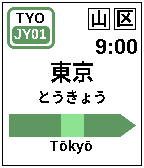
 Basalt screenshots:
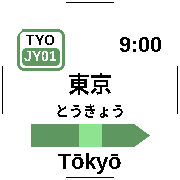
 Chalk screenshots:
 Diorite screenshots:
 Emery screenshots:
 Flint screenshots:
 Gabbro screenshots:
 Update alert!
 Jaybon just released version 1.0.1 of JR East Yamanote Loop!
New Backlight on tap setting — turn off the tap/wrist-flick screen light if you’d rather keep it dark. (Default: on.)
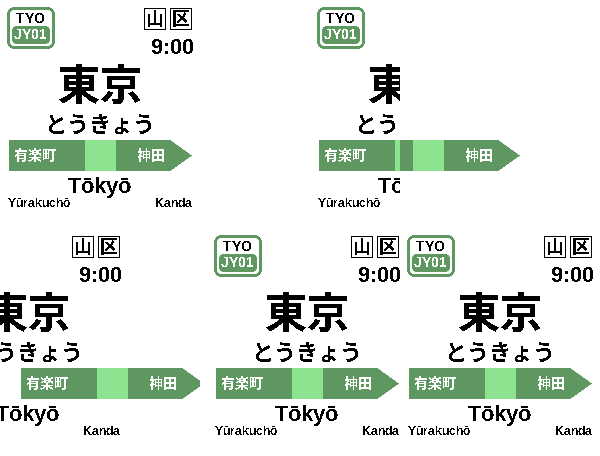
Fixed overlapping neighbor names on long-name stations (e.g. Tamachi, between Takanawa Gateway and Hamamatsuchō).
Long station names (like Takanawa Gateway) now sit at the same height as every other station instead of riding high.
 Update alert!
 Jaybon just released version 1.0.2 of JR East Yamanote Loop!
Added a watchface menu icon (green “JY” badge) so it’s easy to spot and pick in the watchface list.
Ending at Yūrakuchō implies the stations are going in a loop counterclockwise. Why not have the train loop go clockwise, like a clock?
Why not have the station at the northern end of the loop, Komagome or Tabata, at the 12:00 hour, instead of Tokyo station?
A couple more things to consider:
Better yet, have a watchface setting that allows choosing between:
clockwise; sotomawari (外回り; “outer circle”)
counter-clockwise; uchi-mawari(内回り; “inner circle”)
Update alert! Jaybon just released version 1.0.3 of JR East Yamanote Loop!
The nameboard now steps aside for Timeline Quick View: when an upcoming timeline event peeks in from the bottom of the screen, the station’s hiragana and rōmaji tuck away and the kanji name and green line bar slide to recenter, so nothing important hides behind the peek. Everything springs back the moment the peek closes. (Rectangular watches; round watches don’t show the peek.)
Bug:
Peek on tap doesn’t work for tapping the watch. It only works for flicking like a wrist flick.
 Update alert!
 Jaybon just released version 1.1.0 of JR East Yamanote Loop!
New optional “Yamanote Cinema” station change. Turn it on and a station change becomes a little movie: the E235’s green doors slide shut over the sign, the camera pulls back to reveal the whole train, it accelerates out of the platform, the next train glides in and settles, the camera pushes back into the doors, and they open onto the new station. Speed-ramped, drawn entirely on-watch, and tuned to fit every screen — colour or black-and-white, rectangular or round.
New Cinema setting: choose Off, Wrist-flick only (cinematic plays only on a tap/wrist-flick peek), or Every station change. (Default: Off — the classic quick slide is unchanged unless you opt in.)
Hi, I love this watch face! I was wondering if I could make a similar version for Madrid Metro line 6 which also takes 1 hour for a full loop.  (I’d just need to get the src code)