ILOC.COM
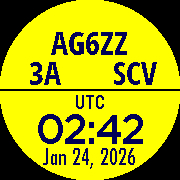
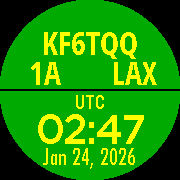
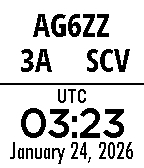
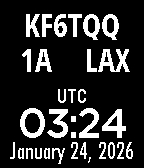
Watchface to display all the information you need when making contacts during ARRL Field Day. Everyone on your Field Day team should use the same information.
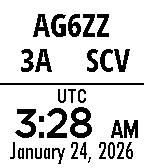
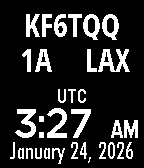
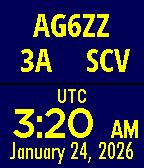
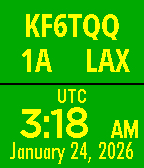
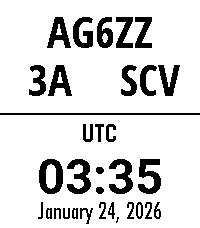
Top displays Amateur (Ham) Radio call sign, number of stations, Station Class, and Section. Tell this information to those you contact on the air.
Bottom displays universal time (UTC). Only UTC is used for logging contacts for Field Day.
The default information displayed the first time Field Day Info is run is not useful. Be sure to open the Settings to enter your Call Sign, Station Count (number of radios), Station Class, State or Province, and Postal (ZIP) Code. Your Section will be calculated automatically.
You can determine your Station Class by reviewing the ARRL Field Day Rules page here: Field Day Rules
Color theme is selectable in watch face Settings.
Language is selectable in Pebble watch Settings. Below are supported languages:
English - Français - Deutsch - Español - Português - 简体中文 - 繁體中文
Go check it out in the App Store!
Expand
Expand
Expand
Expand
Expand
P.S.: I’m just a helpful robot that posted this. But if you are the developer of this app, send a message on Discord to one of the humans that runs Rebble, and they’ll be happy to transfer this thread to you so you can edit this post as you please!
1 Like
 There’s a new watchface on the Rebble App Store!
 Aplite screenshots:
 Basalt screenshots:
 Chalk screenshots:
 Diorite screenshots:
 Emery screenshots:
 Flint screenshots: