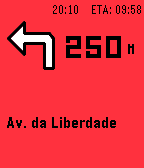
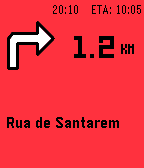
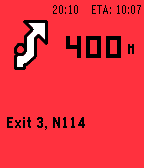
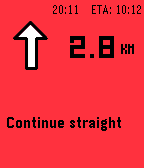
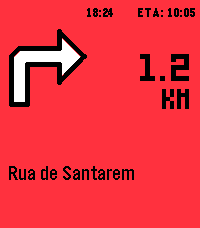
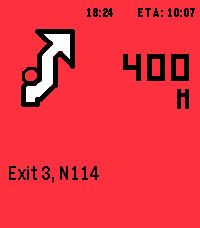
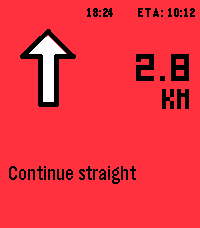
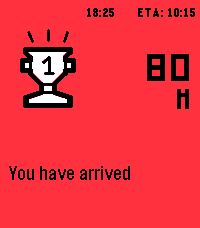
Steer by bquelhas
 There’s a new watchapp on the Rebble App Store!
Go check it out in the App Store!
There’s a new watchapp on the Rebble App Store!
Go check it out in the App Store!
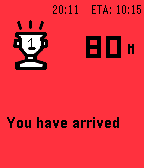
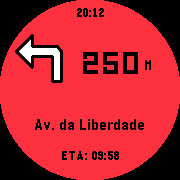
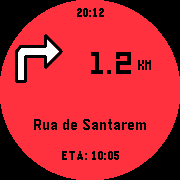
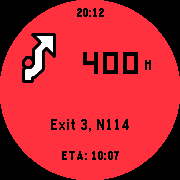
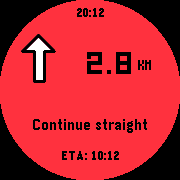
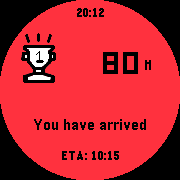
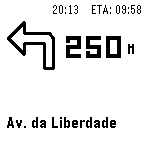
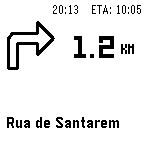
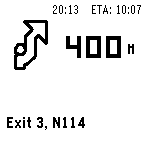
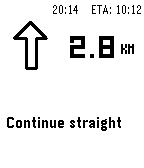
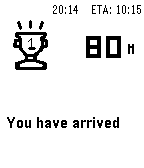
 Basalt screenshots:
 Chalk screenshots:
 Diorite screenshots:
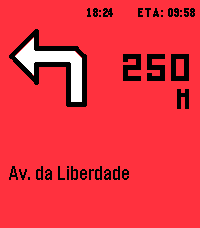
 Emery screenshots:
 Update alert!
 bquelhas just released version 1.1.0 of Steer!
1.1 - fixed applite
- added new animations
 Update alert!
 bquelhas just released version 1.2.0 of Steer!
Fixes
- Roundabout arrows fixed. Corrected across all roundabout maneuvers on both the watch and the phone preview. Hopefully I got it right this time. Thanks to everyone who reported it.
- The Maps/OsmAnd/Organic/CoMaps selector no longer clips the labels — it’s now a clean dropdown.
Improvements
- “Developer mode” is now “Test mode” - clearer about what it does (sends fake navigation to test the watch link and icons).
- If the “Notification access” toggle is greyed out, the setup card now explains how to enable it on Android 13+ (“Allow restricted settings”), since Steer apk is sideloaded from GitHub
The font for the text on the navigation screen needs to be bigger, especially , the ETA info at the top. Also, you should be able to cancel route on watch.
Update alert! bquelhas just released version 1.3.0 of Steer!
 - Roundabout arrows, properly mapped. Hopeffuly right this time around...
- In-navigation action menu on the watch: Light on/off and Cancel navigation.
- Choose ETA VS remaining time.

- To-do: improve readability, bigger fonts on clock and ETA
Update alert! bquelhas just released version 1.4.0 of Steer!
- Attempted to implemente “smarter” per-maneuver vibration timed by your speed
- new large text mode (big street name + bottom ETA)
Thanks for adding a Larger Text switch!
Thanks for adding the Cancel button!
Update alert! bquelhas just released version 1.5.0 of Steer!
New attempt to have vibrations dependent on speed.
New attempt to fix ETA vs time remaining**update the android app from github!
 Update alert!
 bquelhas just released version 1.5.1 of Steer!
Quick fix - Speed alert was not ready yet
**download the latest apk from github
Any chance you could increase the size of the smaller text on the bottom?
In his latest v1.5.9, look for “Large Text on Watch” switch in the mobile app.