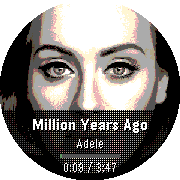
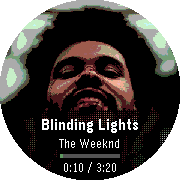
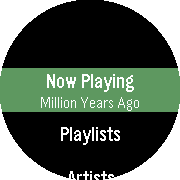
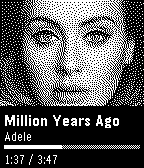
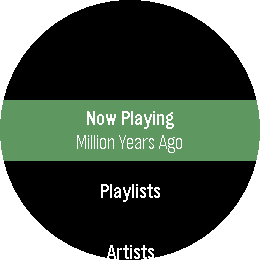
Playback for Spotify
Features
Controls
Setup & Requirements
Supported Platforms: Aplite, Basalt, Chalk, Diorite, Emery, Flint, Gabbro.
Open SourceGitHub - alex523ap/Playback-for-Spotify · GitHub
Go check it out in the App Store!
Expand
Expand
Expand
Expand
Expand
Expand
P.S.: I’m just a helpful robot that posted this. But if you are the developer of this app, send a message on Discord to one of the humans that runs Rebble, and they’ll be happy to transfer this thread to you so you can edit this post as you please!
1 Like
version 1.3.0 of Playback for Spotify !
Go check it out!
quick access to now playing if opened with quick launch
added animations between tracks
album art now preloads the next track for instant swaps on PT2 and PR2
added touch control on touch-enabled watches(PT2, PR2)
added a clock to Now Playing (rectangular displays)
assorted layout fixes on round watches and various stability improvements
aplite(OG Pebbles and OG Steel) platform now supports art loading
1 Like
 There’s a new watchapp on the Rebble App Store!
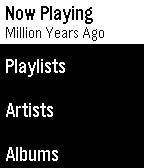
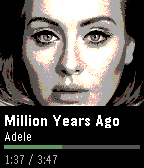
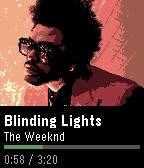
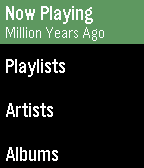
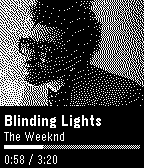
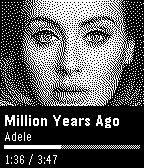
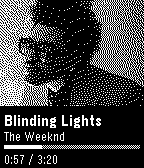
 Aplite screenshots:
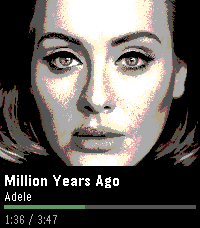
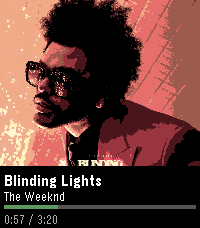
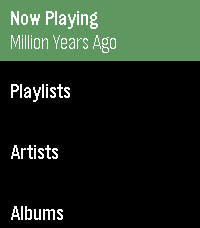
 Basalt screenshots:
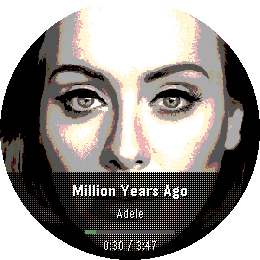
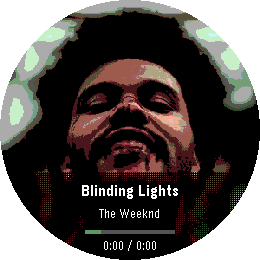
 Chalk screenshots:
 Diorite screenshots:
 Emery screenshots:
 Flint screenshots:
 Gabbro screenshots:
 Update alert!