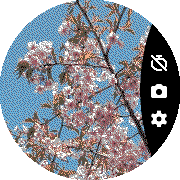
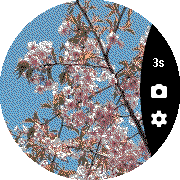
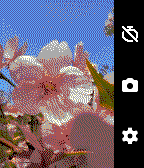
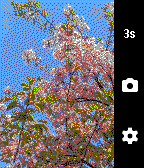
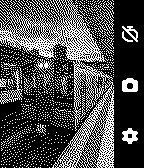
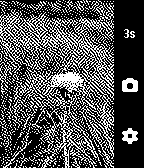
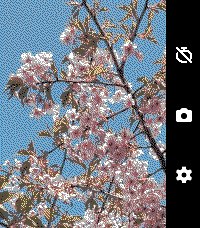
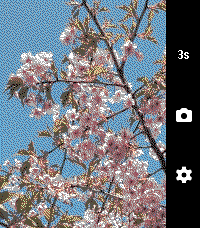
OW Camera Remote lets you preview your phone’s camera and remotely take pictures with a timer. Rebuilt and enhanced from the original app version from 10 years ago.
Set a timer, strike a pose, and have your pic taken.
Controls:
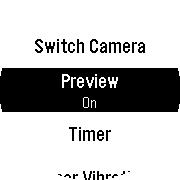
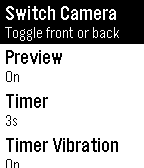
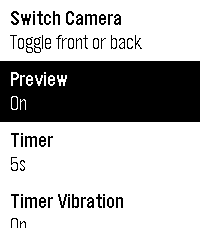
Settings:
Does not support iOS.
Requires the Android companion app, OW Camera 2 for Pebble
Supports following Pebble Mobile apps (with PebbleKit2 Android support):
Core Devices Pebble App
microPebble
Go check it out in the App Store!
Expand
Expand
Expand
Expand
Expand
P.S.: I’m just a helpful robot that posted this. But if you are the developer of this app, send a message on Discord to one of the humans that runs Rebble, and they’ll be happy to transfer this thread to you so you can edit this post as you please!
1 Like
version 2.0 of OW Camera Remote !
Go check it out!
Version 2.0.2
Complete app overhaul after 10 years.
Adds Camera live preview support
Fixes buffer overlay on chalk devices
Fixes handling of multi-messages
1 Like
version 2.1 of OW Camera Remote !
Go check it out!
Fixes preview crashes and distorted b/w previews on Emery
1 Like
 There’s another cool watchapp on the Rebble App Store!
 Chalk screenshots:
 Basalt screenshots:
 Diorite screenshots:
 Emery screenshots:
 Flint screenshots:
 Aplite screenshots:
 Update alert!