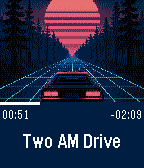
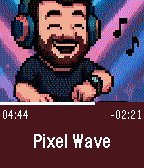
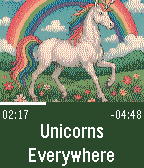
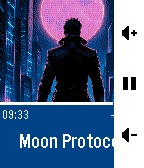
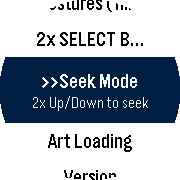
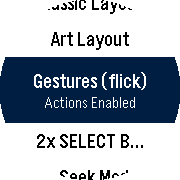
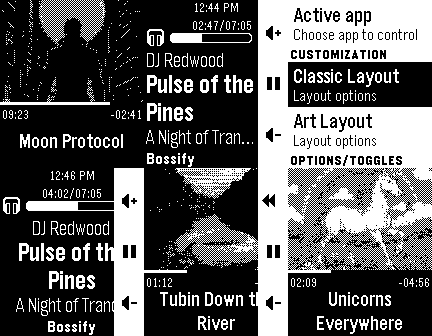
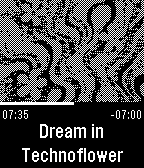
Screenshots (expand your preferred platform) - Tap to see slideshow:
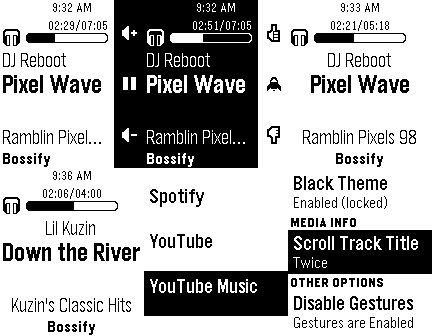
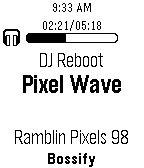
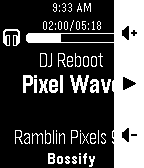
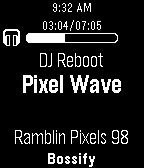
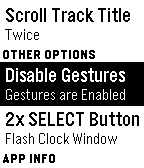
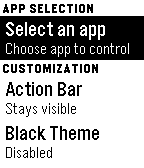

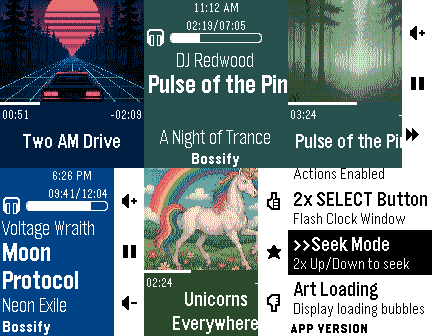
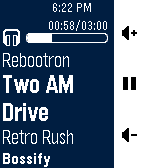
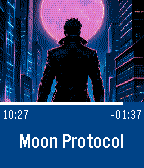

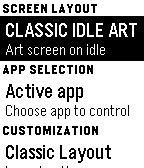
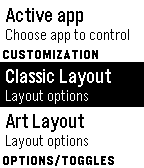
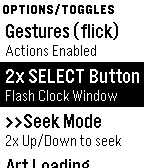
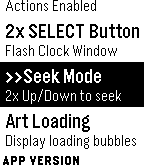
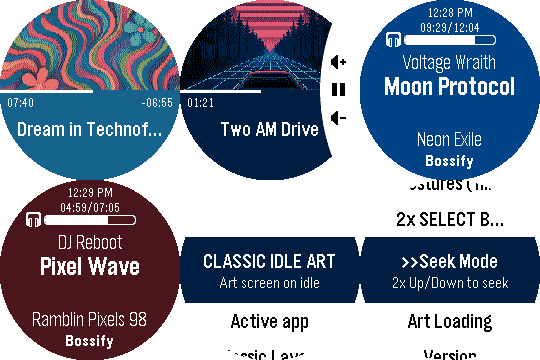
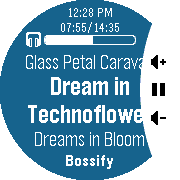
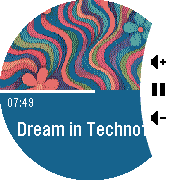
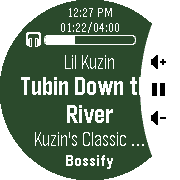
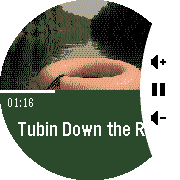
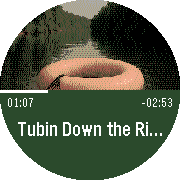

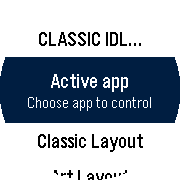
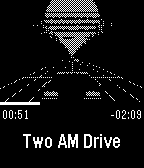
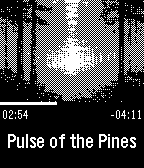
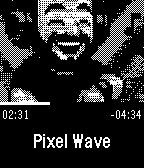
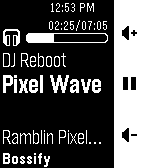
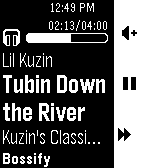
📱 Companion App Screenshot (Android)
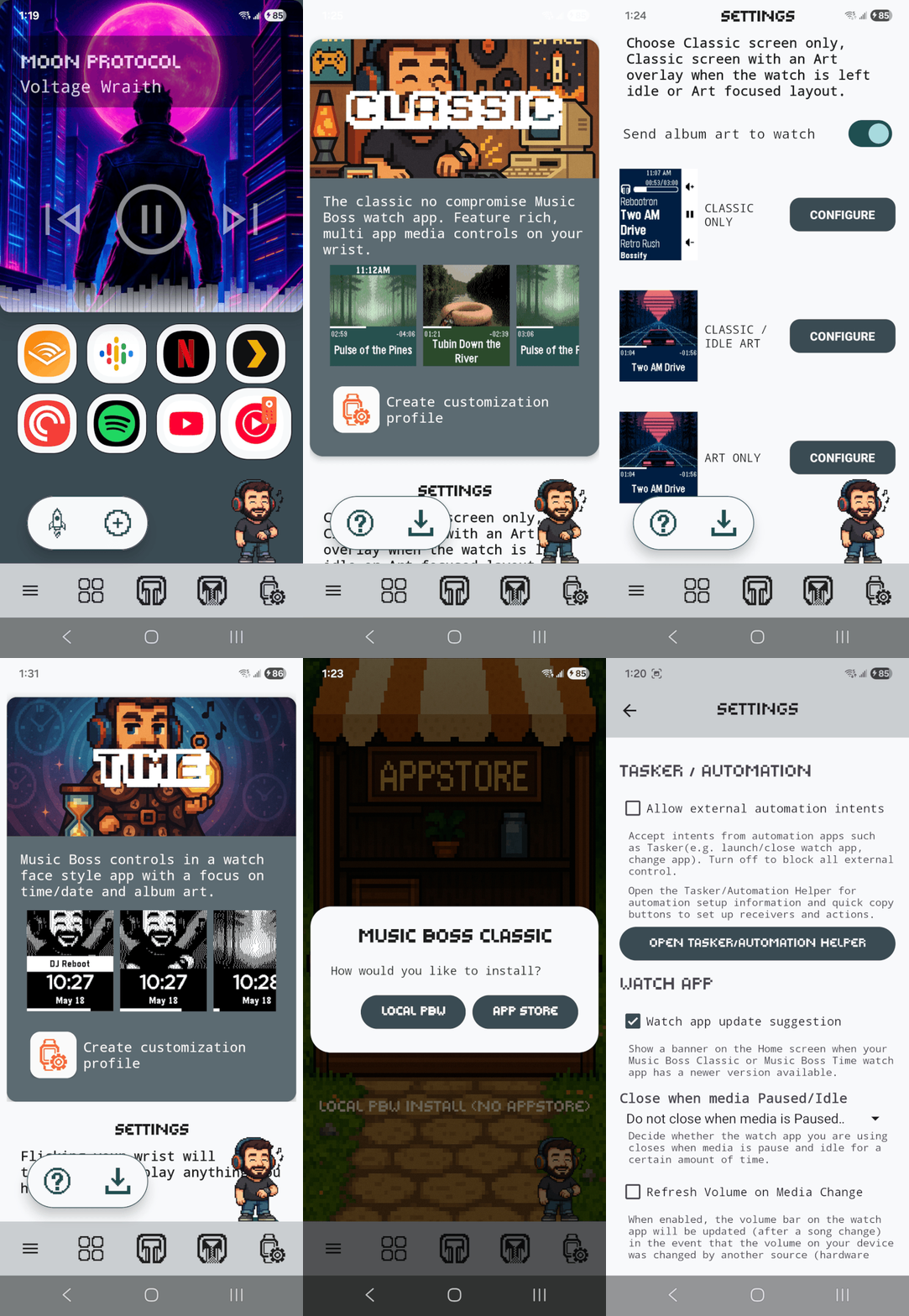
Get the companion app here: Music Boss Deluxe | Reboot's Ramblings | The home of Music Boss
More details and screenshots of the watch app here: Music Boss Classic | Reboot's Ramblings | The home of Music Boss
Works on EVERY Pebble and now compatible with the new Core Pebble app.
Music Boss Classic brings powerful media controls to your Pebble. Designed in the original style of Music Boss, it delivers the familiar experience with new features and optimizations.
 Play, pause, skip, and seek tracks from your Pebble
 Control apps casting to external displays or audio devices (e.x. Netflix, most music apps)
 Manual Seek Mode* — jump within songs, podcasts, audiobooks, long tracks (*except OG Pebble)
 Adjust volume on phone, Bluetooth devices, or while casting
 Assign app-specific custom controls (e.g. Spotify DJ X)
 Rate songs (YouTube Music, YouTube, Spotify, more being tested)
 Dynamic album art & themed UI
 View album art, title, artist, album, volume, and progress
 On color Pebbles and Pebble 2/Pebble 2 Duo, themes adapt to album art
 UNLOCK OPTIONS
• Purchasing the Music Boss Deluxe lifetime unlock
OR
• Being subscribed to the Music Boss Deluxe Ongoing Support subscription, a super low cost monthly tip jar that unlocks ALL FEATURES in ALL of my apps.
Compatibility
• New Core Pebble App, Original Pebble App/Rebble, microPebble and any other companion app using PebbleKit-Android Classic.
• Pebble Time, Pebble Time 2, Pebble Time Round, Pebble Round 2, Pebble 2 and Pebble 2 Duo support all features.
• The Pebble 2 / Pebble 2 Duo, while a black & white watch, supports full album art functionality and app theming — just like the color models, but rendered in high-quality black & white. Support all features.
• The original Pebble/Pebble Steel are compatible with both Music Boss Classic and Music Boss Time. Album art is only displayed in Music Boss Time. Manual Track Seek Mode does not function on the original Pebble.
Thank you for your support—whether you’ve been with Music Boss since the early days or you’re just discovering it now!
 Update alert!
 Reboot’s Ramblings just released version 6.2 of Music Boss!
 Native Pebble Time 2 UI added
 Reworked the in app menus for a much better user experience (they make more sense)
 Other under the hood improvements
 can’t wait to try this out
 Update alert!
 ↔:watch:This configuration now synchronizes between the companion and watch app.
 The layout configuration selection screen on the companion app has been redesigned (Music Boss Deluxe v2.0+)
 The Active App selection menu now provides more guidance on launching media apps directly from the watch. For more details tap the rocket icon in the companion app to learn about the Music Boss App Launcher (launch media apps when they don’t have an active media session and when your phone screen is off)!
 Update alert!
 Added Pebble Round 2 support
 Activate a fully unlocked 3-day free trial - all features included, nothing held back!
 Now fully integrated with the new Music Boss Media Browser watch app
 Update alert!
 Please update the Music Boss Deluxe phone companion app to v4.0
 Added: double-press middle button option to Open Media Browser (configure in the watch app menu).
 New album-art Image Quality control
 New art darkening option
 Redesigned phone settings
 New double-back menu hint
 More reliable watch-app launching with the Core Devices app
 New unlock / ongoing-support perk
 Wrist-flick gestures
 New BIG clock fonts
 New Persistent / Quick touch-screen lock
 Update alert!