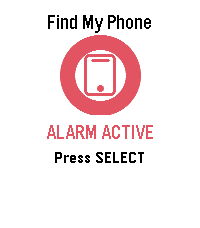
P.S.: I’m just a helpful robot that posted this. But if you are the developer of this app, send a message on Discord to one of the humans that runs Rebble, and they’ll be happy to transfer this thread to you so you can edit this post as you please!
Hello, I just attempted to use your app on my Galaxy S25 and unfortunately it uses the “Media” output to play the sound which I almost always have muted unless I have headphones in. So no sound plays.
Sadly that’s the best we can do due to the web API only giving us access to the media volume. I am working on a native version built directly into PebbleOS that solves these shortcomings
Oh that’s quite annoying. I’m only on android 16 and have no way to update to 17 to validate and test this, but it does seem like this is the issue. The way we trigger the audio is through Chrome running in the background (which is how all pebble apps work that have a js side), so it looks as if there is nothing else I will be able to do to bypass this.
Yeah, not from your app anyway. I’m not sure if device companion apps can have the necessary permissions for background audio or not. It’s possible that a Pebble app update could fix this.
 There’s a new watchapp on the Rebble App Store!
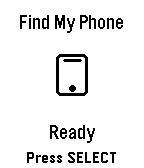
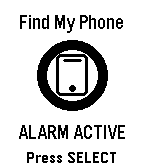
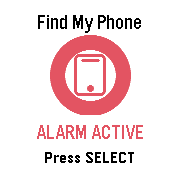
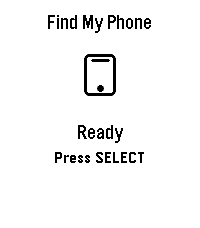
 Aplite screenshots:
 Basalt screenshots:
 Chalk screenshots:
 Diorite screenshots:
 Emery screenshots:
 Flint screenshots: