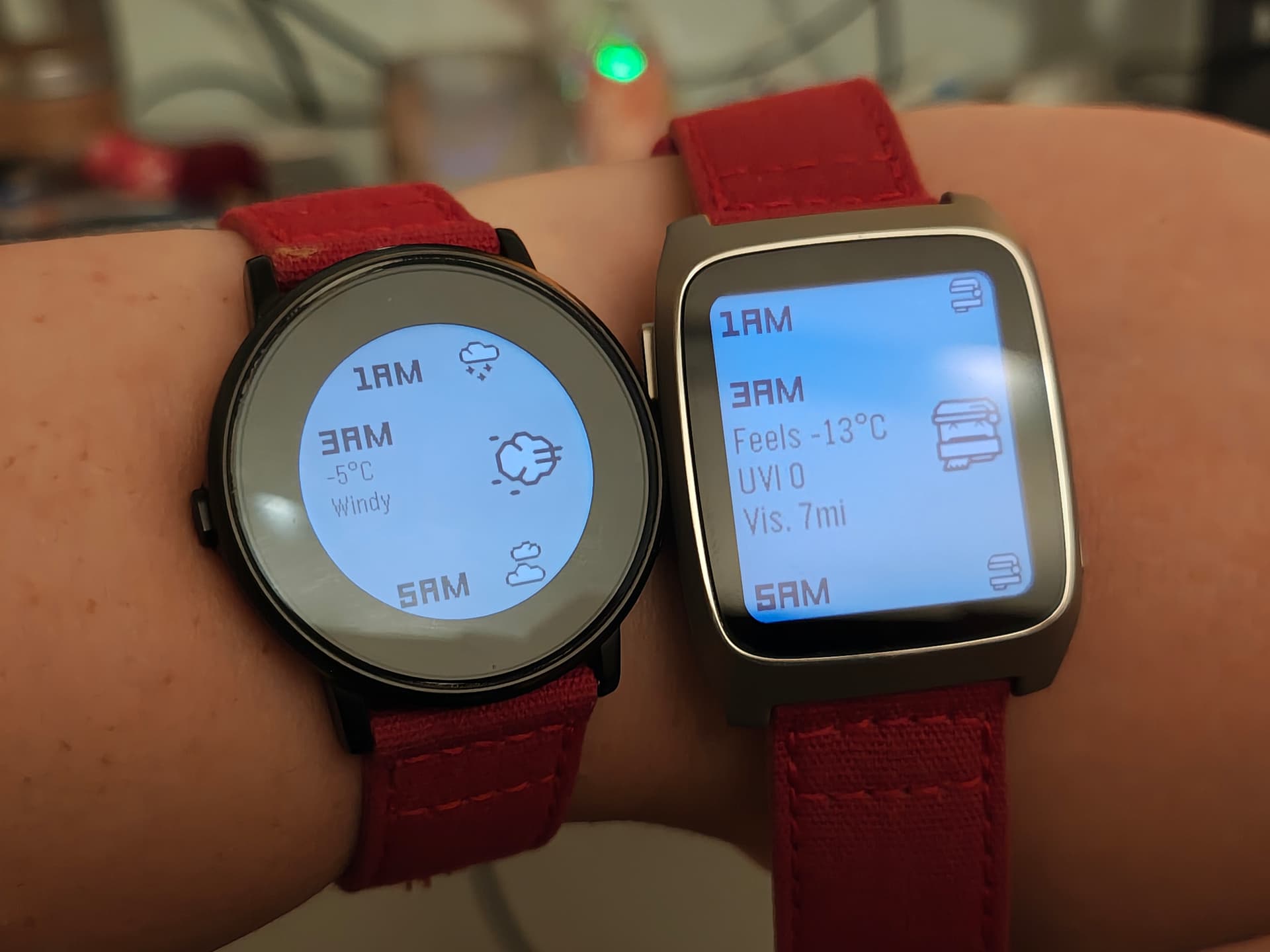
Dribble by Logan Head
 There’s another cool watchapp on the Rebble App Store!
Go check it out in the App Store!
There’s another cool watchapp on the Rebble App Store!
Go check it out in the App Store!
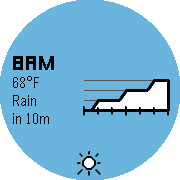
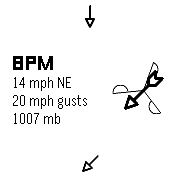
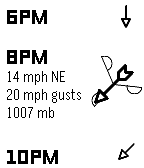
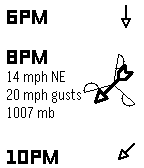
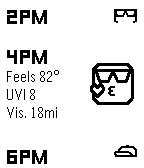
 Chalk screenshots:
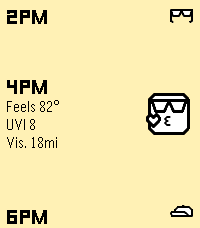
 Basalt screenshots:
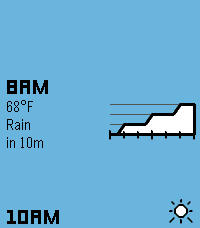
 Diorite screenshots:
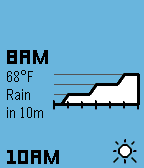
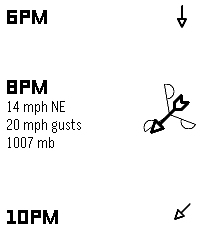
 Emery screenshots:
 Update alert!
 Logan Head just released version 1.0 of Dribble!
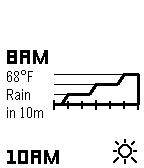
- Added precipitation to Timeline: when you load new weather data, a pin may be pushed showing current/upcoming precipitation, how long it will last, and the expected amount
- Added support for Pebble & Pebble Steel (without animations)
- Forecast now loads in one step instead of twelve
- Improved app layout for Pebble Time 2 and Pebble Time Round
- Removed attempt at launch scheduling feature
The new update looks great on chalk and emery, and it loads much faster, too! I’m excited to try out precipitation in timeline.
 Update alert!
 Logan Head just released version 1.1 of Dribble!
- Added support for Pebble Round 2
- App now supports the old Pebble app on iOS
- Added a status bar above the first forecast hour, and a “fin” banner below the last
- Vibration feedback is now given once weather data loads
- Long-pressing up or down buttons now quickly scrolls through forecast
- Changed background animation for round screens
- Precipitation intensity graph now scales consistently
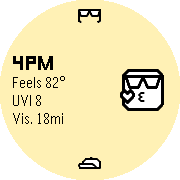
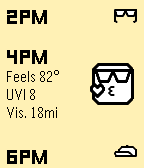
Curious as to the “Feels like” info in the 3rd screenshot. I don’t see anywhere to enable that (or set as default if that value differs from the base temperature) , and as someone who lives in a humid environment with aggressive windchill in the winter, these numbers are more important than the unmodified temperatures
All the weather data in the current version of the app (including feels-like temperature) is provided by Apple WeatherKit, so I don’t actually calculate that manually. All that numerically happens in the app is unit conversions depending on settings.
In Apple’s documentation page, the temperatureApparent field does reportedly use humidity and wind, though. I’ve found it pretty accurate throughout the summer and winter!