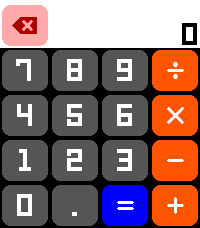
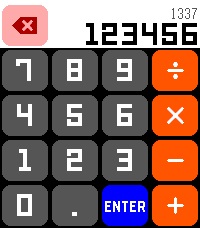
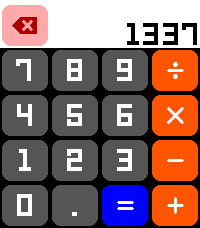
Calculator by Freakified
 There’s a new watchapp on the Rebble App Store!
Go check it out in the App Store!
There’s a new watchapp on the Rebble App Store!
Go check it out in the App Store!
 Emery screenshots:
 Update alert!
 Freakified just released version 1.1.0 of Calculator!
V 1.1:
- [New Feature] Setting to always enable the backlight
- [Change] Reduced haptic feedback intensity
Now this app, I will certainly use, thanks!
 Update alert!
 Freakified just released version 1.2.0 of Calculator!
V 1.2:
- Simple repeating decimals now remain as larger (LECO) font
- Secondary number display text is now bold to increase readability
 Update alert!
 Freakified just released version 2.0.0 of Calculator!
v 2.0: Scientific Edition!
New features:
- Full scientific calculator functions! Now you can do all your math class homework on your watch!
- It’s all here! Trig functions! Square roots! Logarithms! (special thanks to calculator expert @florb on the Rebble Discord for feedback!)
- New operators!
- Exponents, nth-rooths, scientific notation, percentage, and more!
- Hours/Minutes/Seconds to Decimal conversion! Now you can do TIME MATH!
- Memory! Store a value in memory!
- New RPN stack manipulation functions for the TRUE ENTHUSIASTS
- Roll the stack, swap registers, and more!
- 3 customizable shortcut keys – map the physical buttons to calculator functions you desire!
- Supports the Pebble Round 2, so alpha testers can finally get in on the calculation action!
Improvements:
- Clear/backspace functionality is more clear, with a new explicitly-labelled AC function
- In infix mode, the secondary upper text now shows the most recent calculation, making it more clear what you were calculating!
- Improved touch cancellation functionality now allows un-cancellation and shows which key was pressed even pending cancellation!
Bug fixes:
- It shouldn’t do that weird thing where it would show you weirdly long repeating decimals for perfectly ordinary input
- The backlight shouldn’t turn off immediately on startup