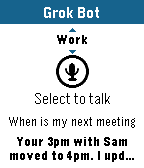
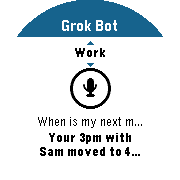
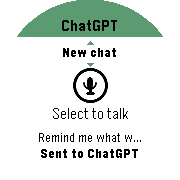
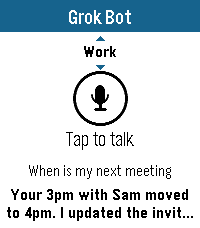
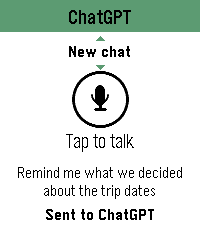
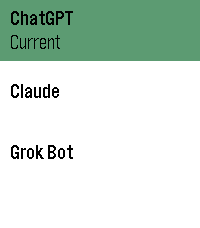
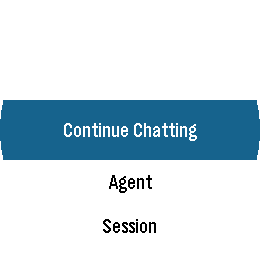
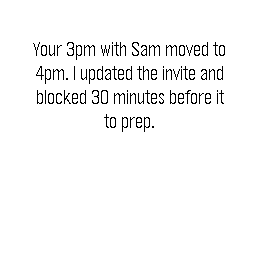
Talk to your AI agents from your Pebble. Press a button, speak, and your words go to Claude, ChatGPT, Grok Bot, Muse, or any other agent plugin installed in the Pebble app. When the agent can answer back, the reply shows up on your wrist.
Agent Chat is a watchapp built on the Pebble plugins agent contract (send_to_agent, agent/chats, agent/configured). It finds every agent plugin you have installed. Switching between them, and between their recent chats, works the same for all of them, and each plugin only gets the features it supports.
Features
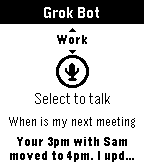
Open it from quick launch and start talking, dictation starts right away
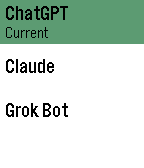
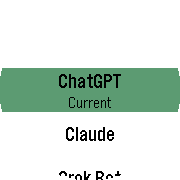
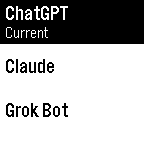
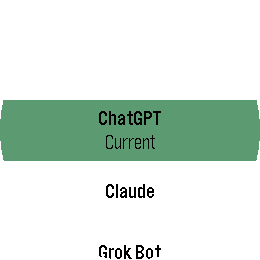
Every installed plugin that offers send_to_agent shows up. Switch agents from settings, or by holding Select
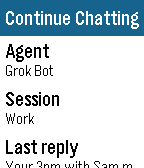
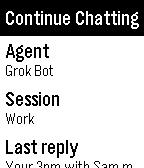
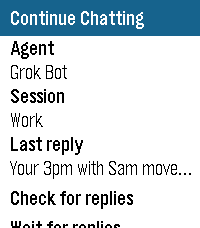
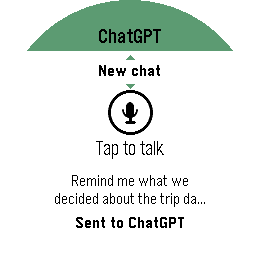
Up and Down swap through the agent’s recent chats (from agent/chats), plus a New chat entry where the agent supports one. After you send to a new chat, Agent Chat switches to that conversation so you can keep talking in it.
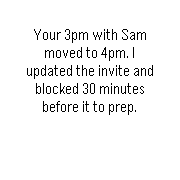
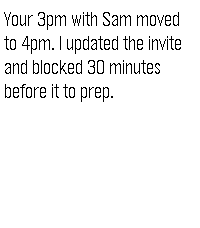
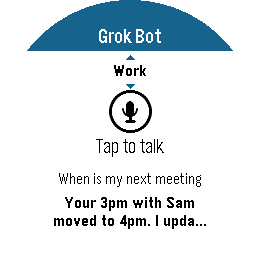
Replies on the watch for agents that return them:
Grok Bot: Agent Chat polls its read action until the bot answers.
Universal AI: the answer comes straight back from the send.
Every control has a touchscreen equivalent on Pebble Time 2 and Round 2. Touch can be turned off in settings.
A send that may or may not have arrived is reported as such and never retried automatically.
Runs on every Pebble with a microphone, color or black-and-white, rectangular or round.
Supported agents
Any plugin that implements the agent contract works
Controls
Tap select or the screen to start or stop listening
Tap or swipe up or down to switch sessions
Hold select or the screen to switch agents
Tap select or the screen while listening to confirm
Tap back or back swipe while listening to cancel
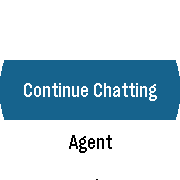
Tap back or back swipe to go to settings
Select swipe in settings to return to the chat screen
Tap back again or back swipe to close the app
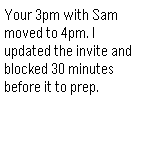
When a reply arrives, the watch buzzes and opens it. Up and Down scroll, Select answers it (starts listening), and Back closes it.
 There’s a new watchapp on the Rebble App Store!
 Basalt screenshots:
 Chalk screenshots:
 Diorite screenshots:
 Emery screenshots:
 Flint screenshots:
 Gabbro screenshots: