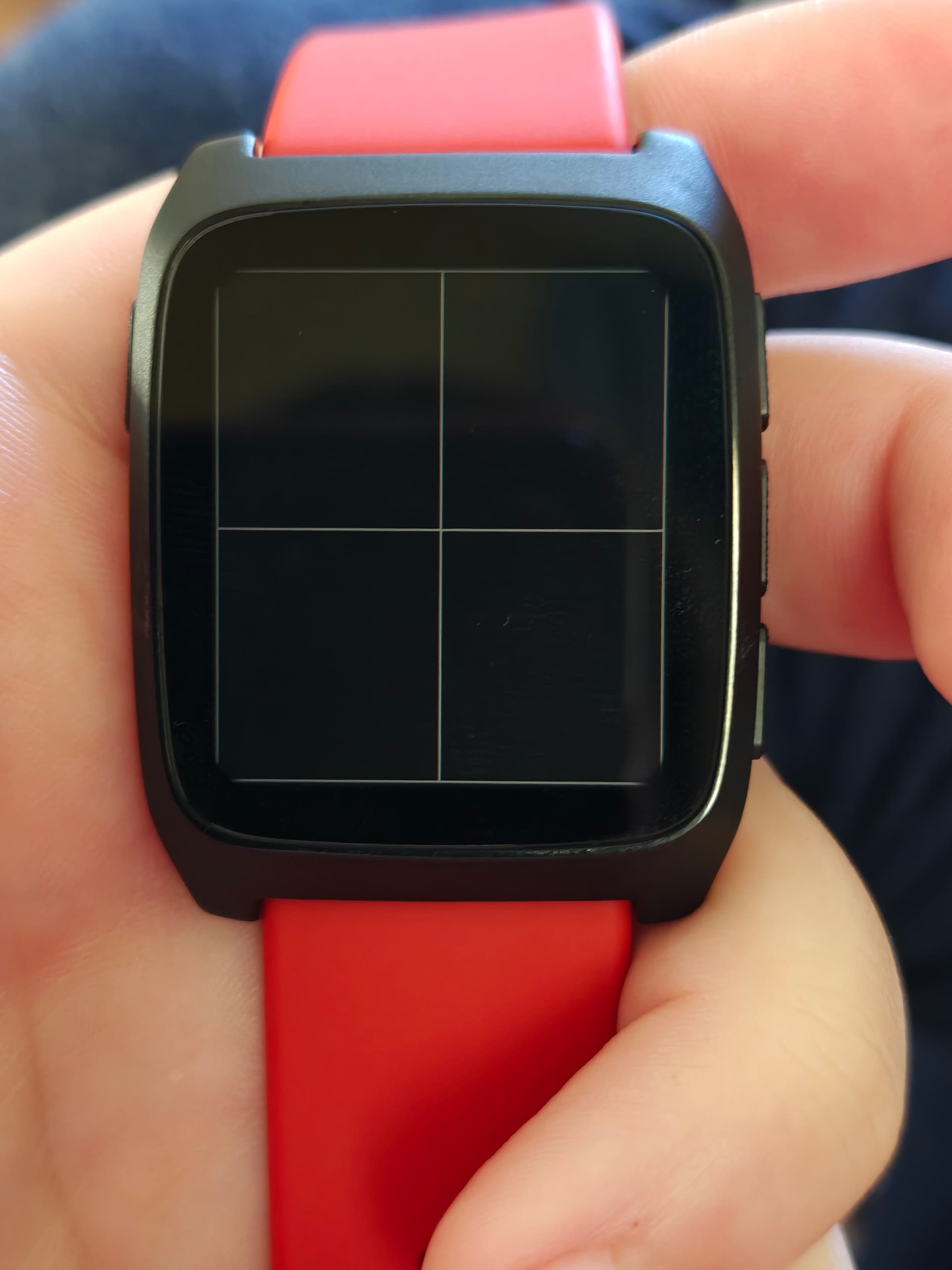
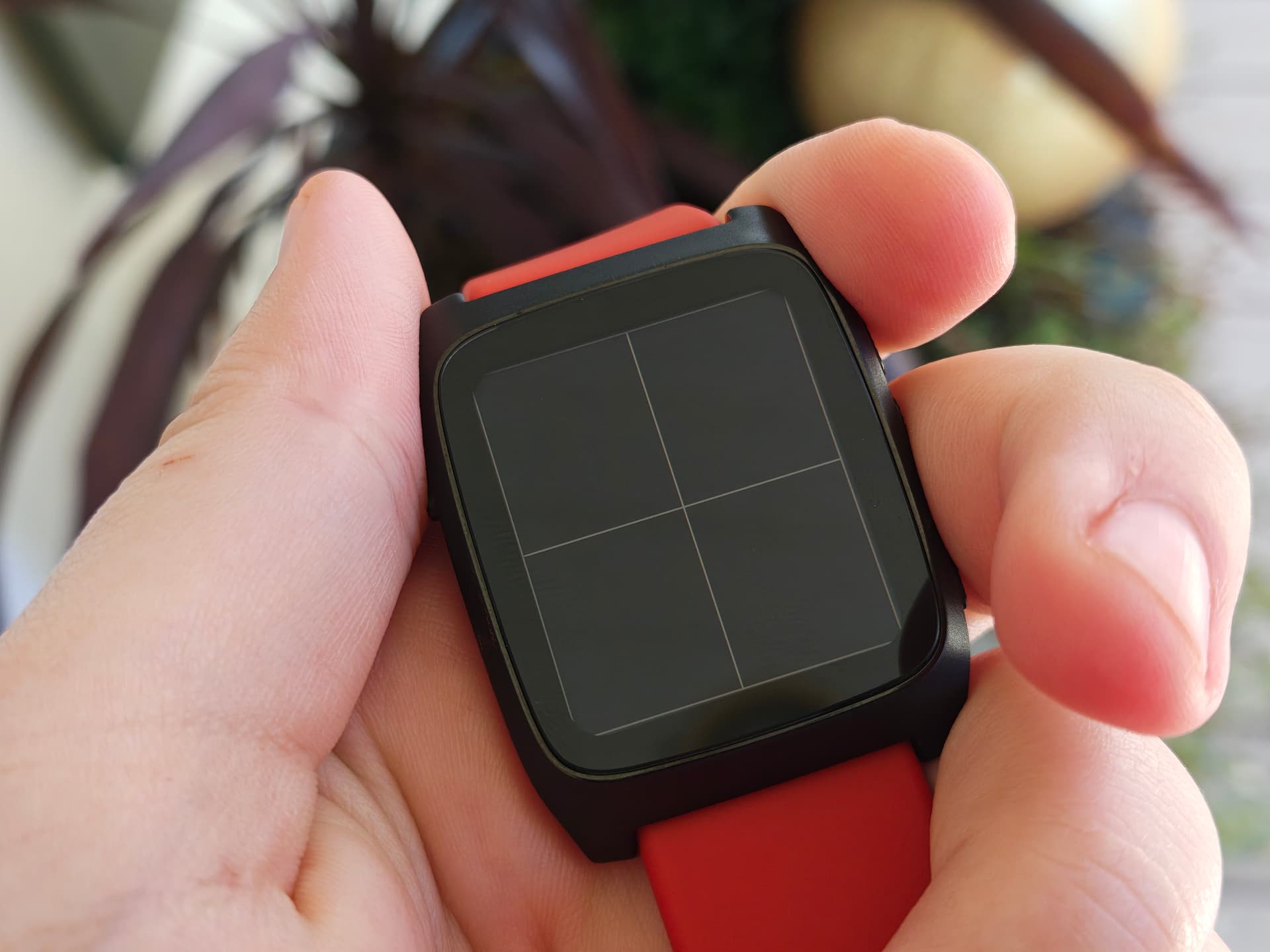
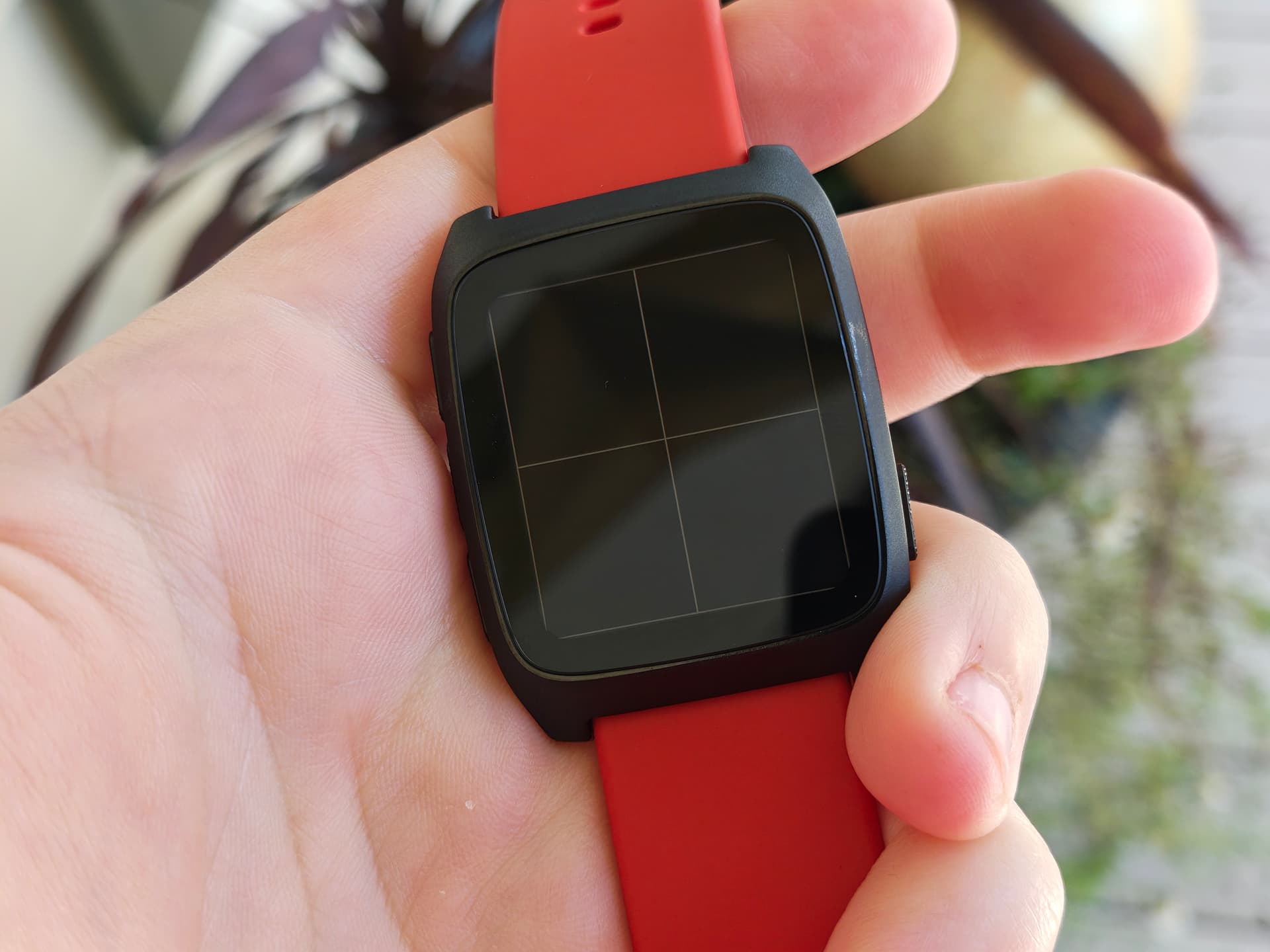
The first thing I noticed about my early alpha Core Time 2 unit is that the rounded bezel floats slightly above the display, and if the watch is viewed at an angle, the sharp corners of the display panel are immediately visible. I found this very jarring and distracting.
I see the way that silk and asterix draw their rounded corners to the display without affecting the system framebuffer, at lines 20 and 34 of compositor_display.c. I’m going to try and add a new rounded corner shape definition for obelix, to visually correct for the difference between the panel and the bezel.
I started out by measuring the corner radius of my watch with calipers, and found the radius to be around 2mm. Through copious use of online PPI calculators, i found that for a display 200px wide, 228px tall, and at 202PPI, a radius of 2mm worked out to about ~16px.
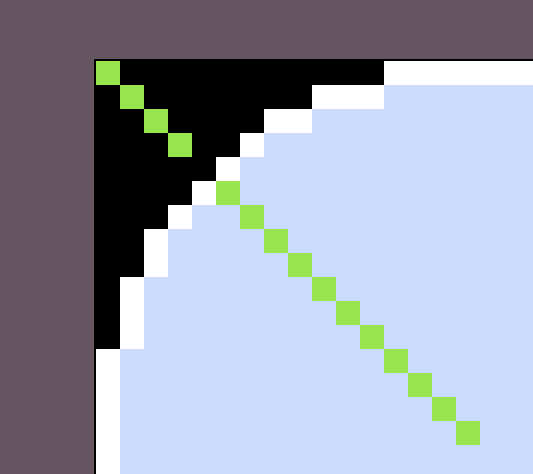
I created a simple test image, of a rectangle the size of obelix’s display, with 16px radius corners, and red outside of those corners. I used @hellcp ‘s bitmap-gallery to easily display the image on the watch screen, and found that I could not see the red pixels from straight ahead, but they were revealed as I tilted the watch. Awesome! That meant that 16px radius was a reasonable number to cut off the digital corners.
Oh wow, yeah, the screen alignment looks a little rough! 16px looks perfect though at least for most corners. Also lol at Leco’s X character, that’s proper wonky looking!
I’m wondering if FRAMEBUFFER_BYTES_PER_ROW is not present or not correct on obelix. i’m going to try the same corner shape on my asterix to see if that makes a difference.
The corner shapes work! But they don’t work on my obelix. Hmm. I don’t really understand the specifics of the framebuffer and data strucutres for what’s going on here, but I can probably dig into the way the artificial bezel works for apps in compatibility mode for some clues.
Also, it occurs to me that the corner shapes here don’t have to be an even, circular radius! You could get fancy if you wanted, and have the entire system display in a shape like this one:
I think the problem here is that I have a block of 1bit framebuffer manipulation, only expected to ever run on silk and asterix, and I’m suddenly enabling it for a platform with a whole byte per pixel, and a lot more pixels. The equivalent of this for color systems ran on snowy’s FPGA gateware, not in the OS compositor, so I’m not able to reference that implementation.
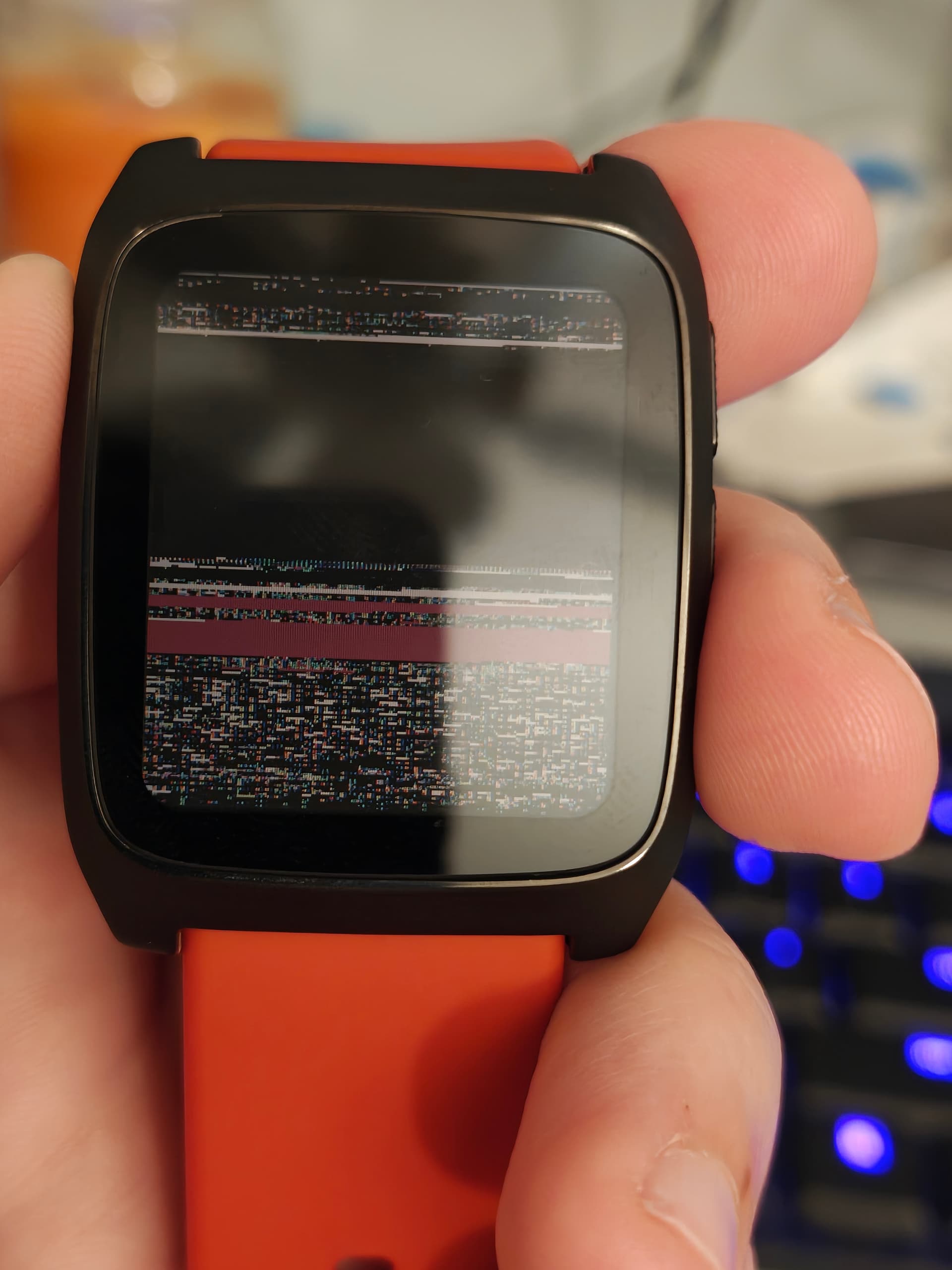
The bluetooth fails on these firmware builds, and the display doesn’t shimmer when i press the buttons, which tells me more things are going wrong than just the pixels being misaligned. Maybe I’m blowing up the size of a buffer somewhere. My compsci background is pretty simplistic and sparse, and I’m having a lot of trouble understanding what I’m looking at when it comes to the math and logic of the function itself, so unfortunately this is as far as I can go. If anyone is interested in picking this effort up, my commit lives here: compositor_display: Draw round display corners on Obelix · lavglaab/PebbleOS@44770ab · GitHub
The problem is that the corner rendering code is designed to process one line at a time, reusing s_line_buffer for every line that includes part of the corners. Now, the Obelix display driver will try to read and write 228 lines from s_line_buffer, corrupting something like 45KB.
I don’t know if there’s a good way to fix this without bringing back the redundant framebuffer . Maybe if there’s no other plans to use the SF32LB52’s second graphics layer, that layer could be filled with a corner overlay at start-up? It would mean that layer can’t be used for other things, so it would be worth discussing with Core devs first.
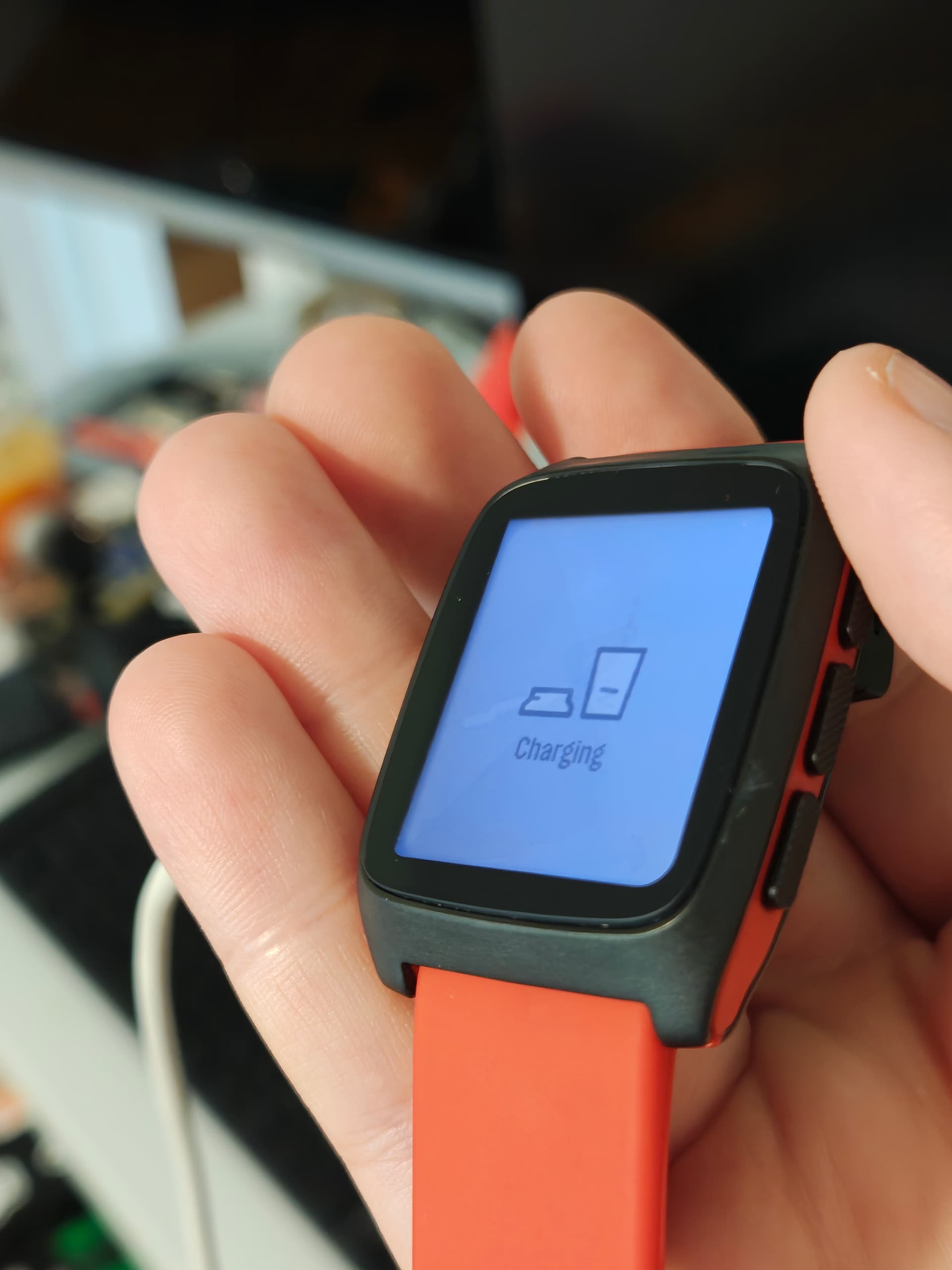
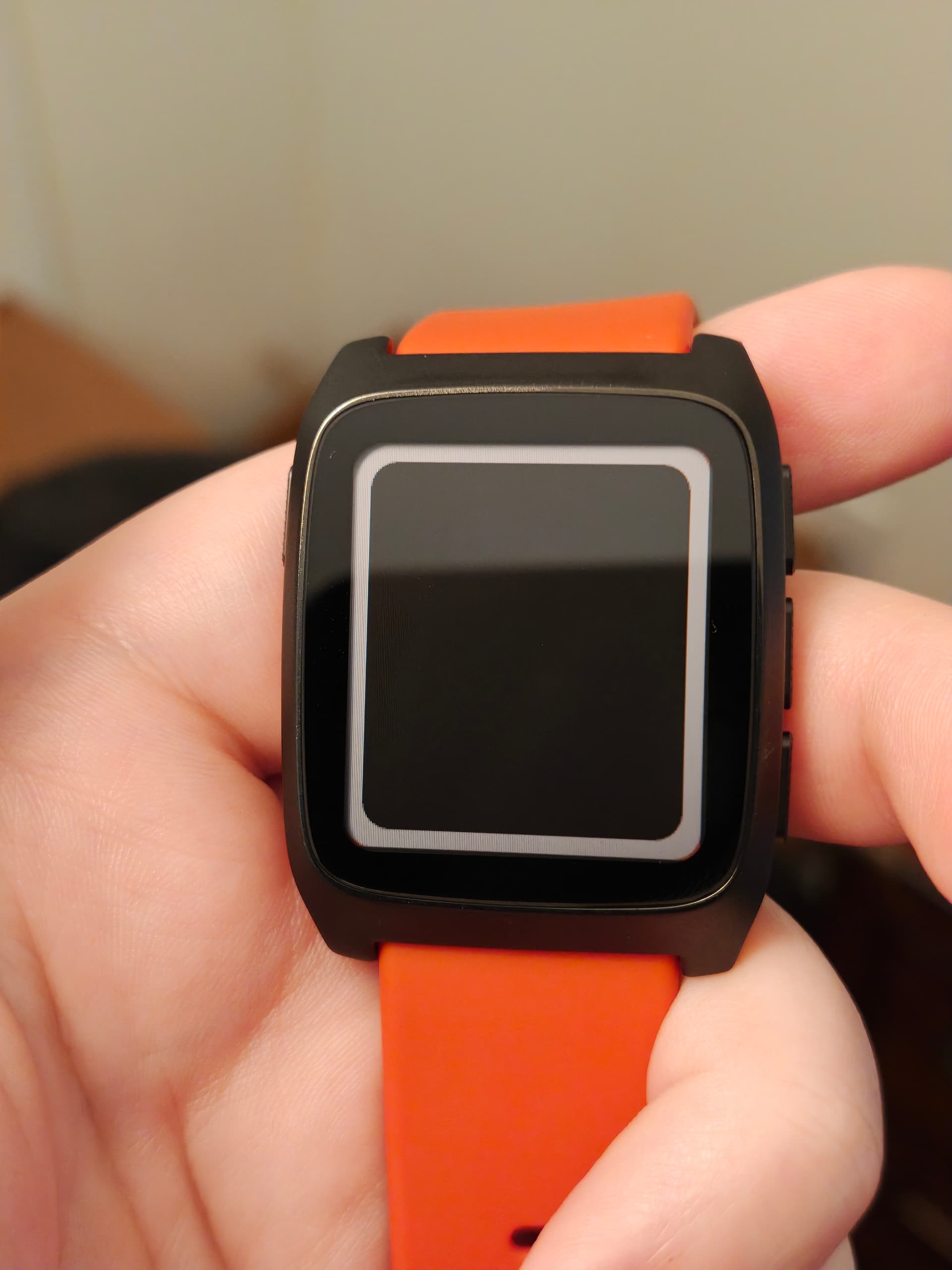
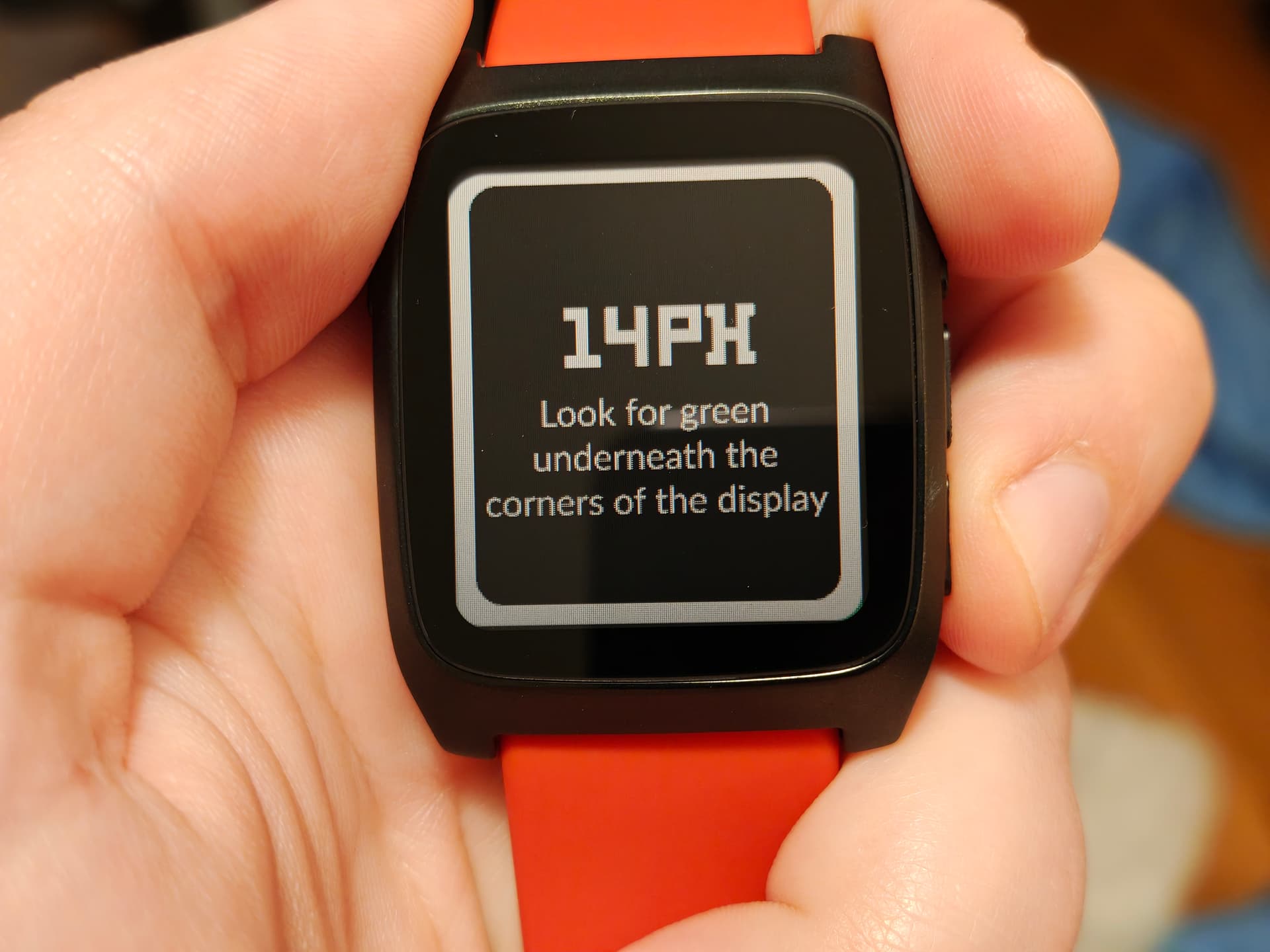
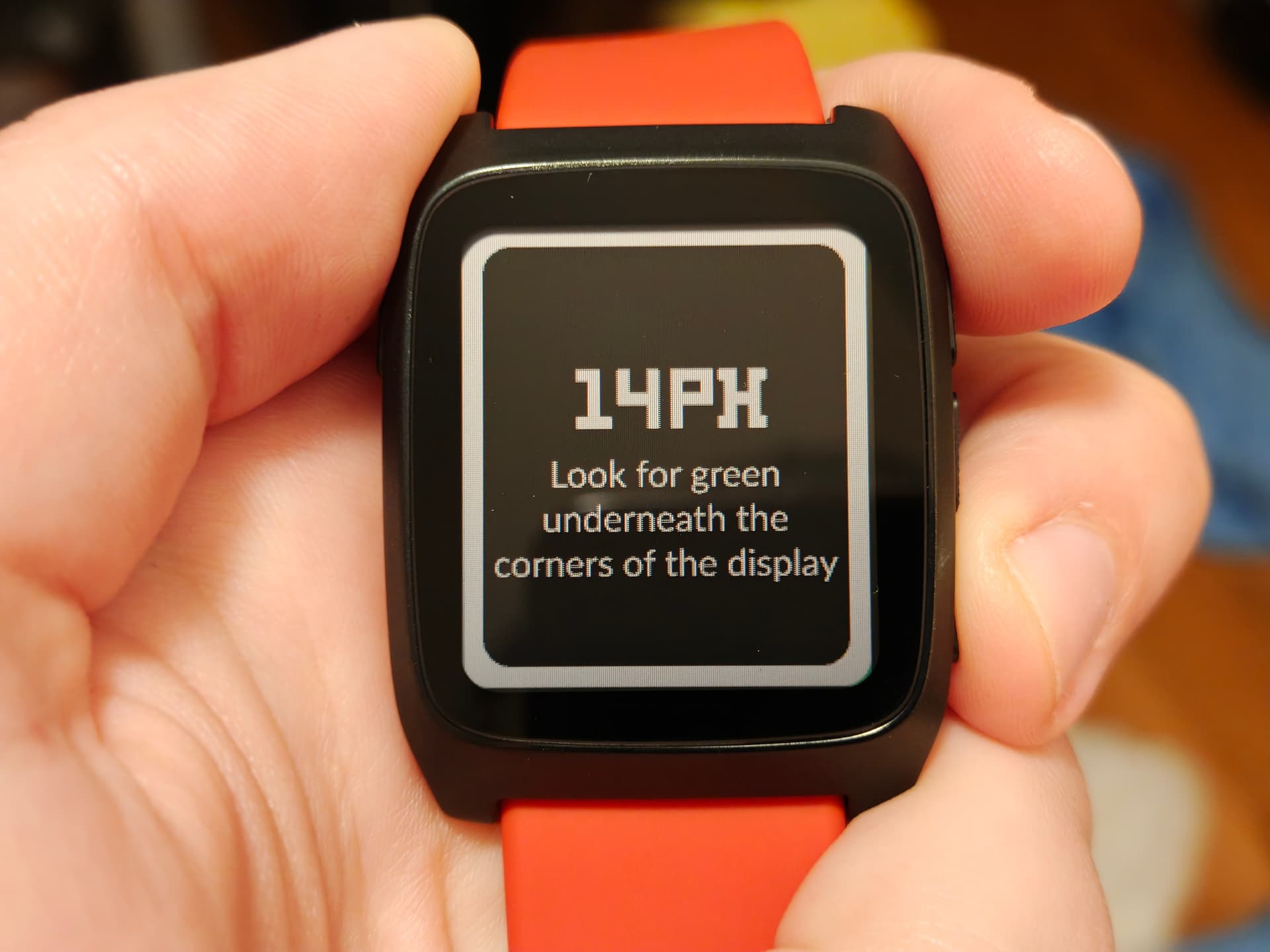
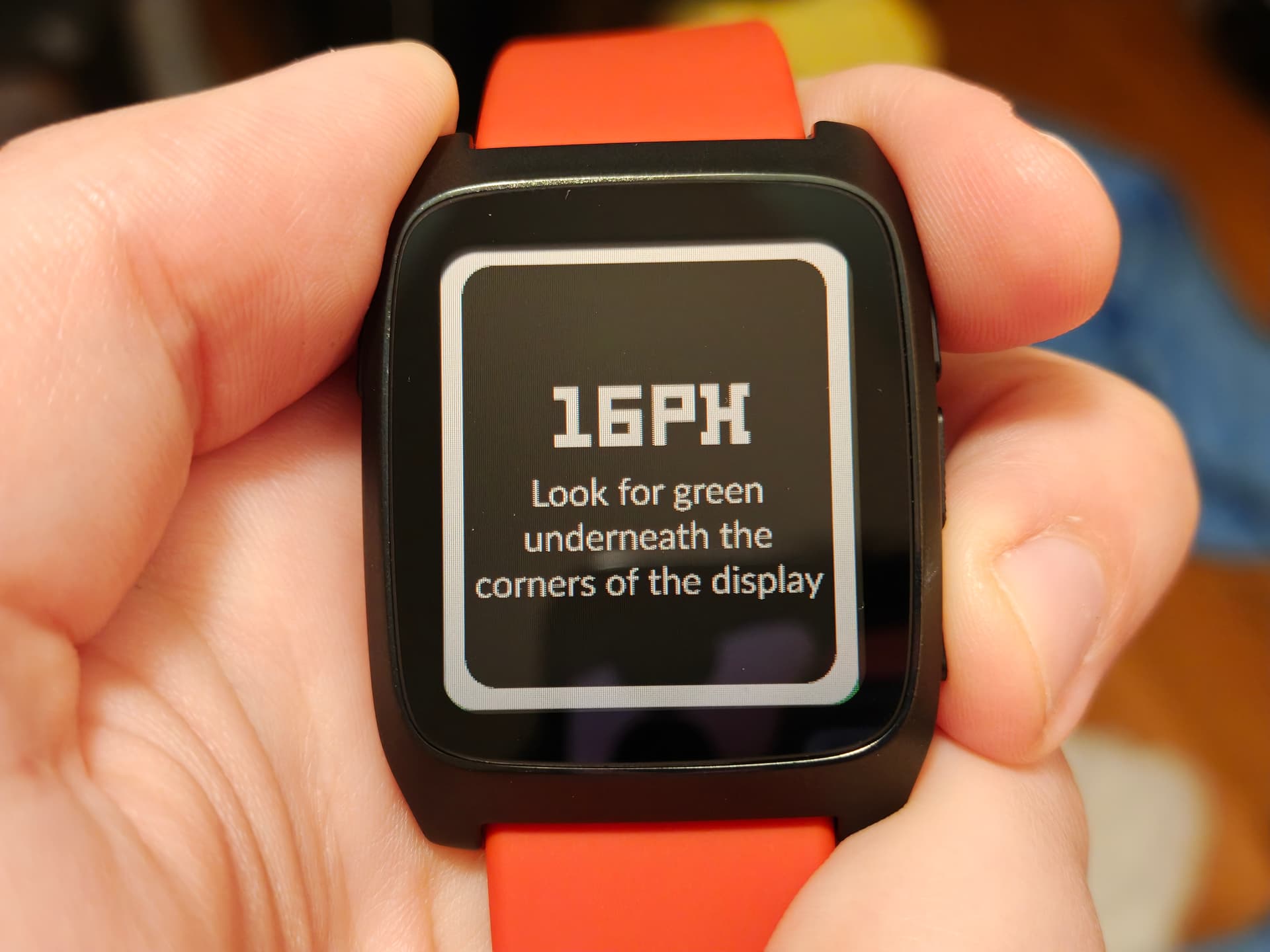
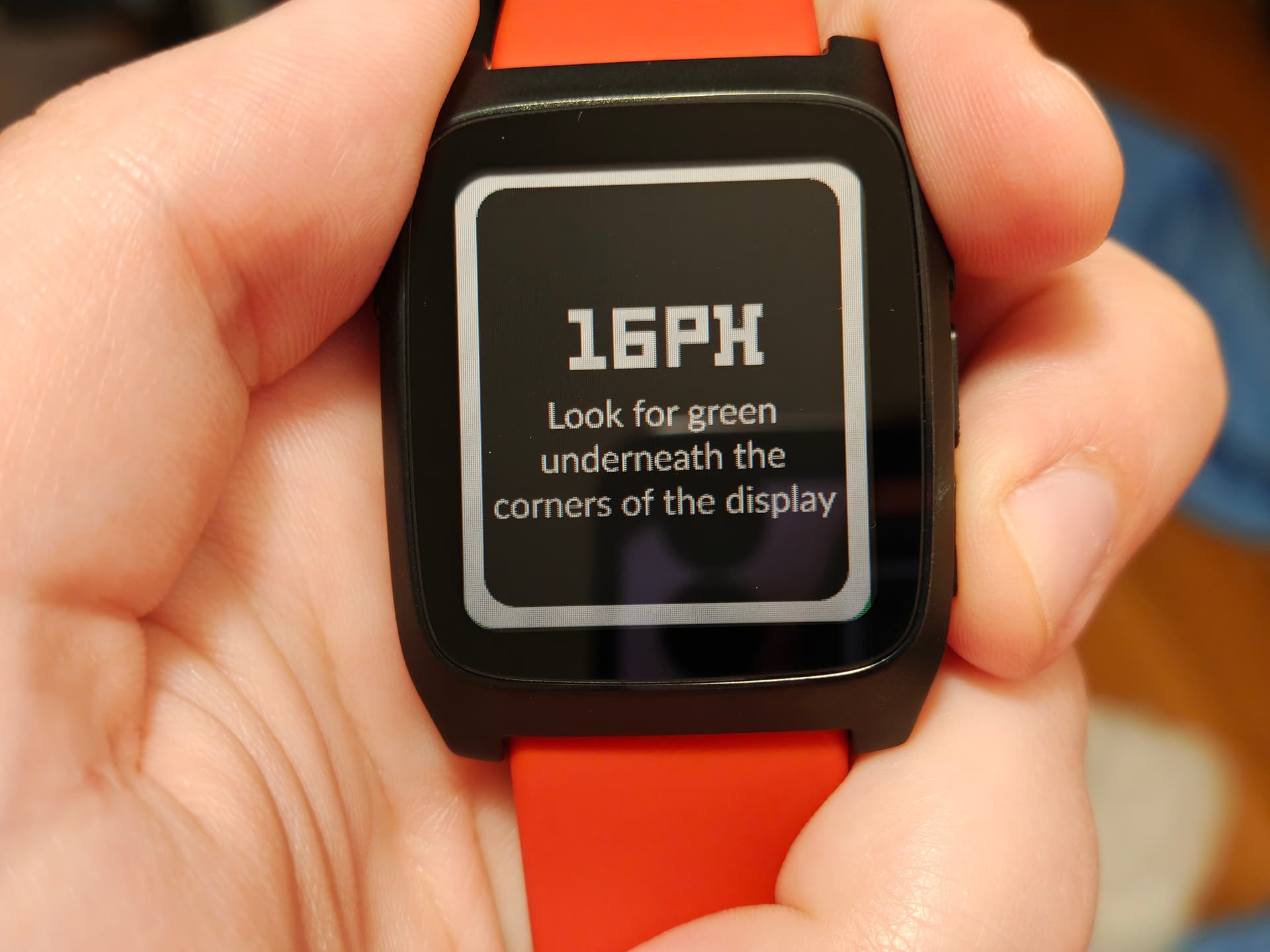
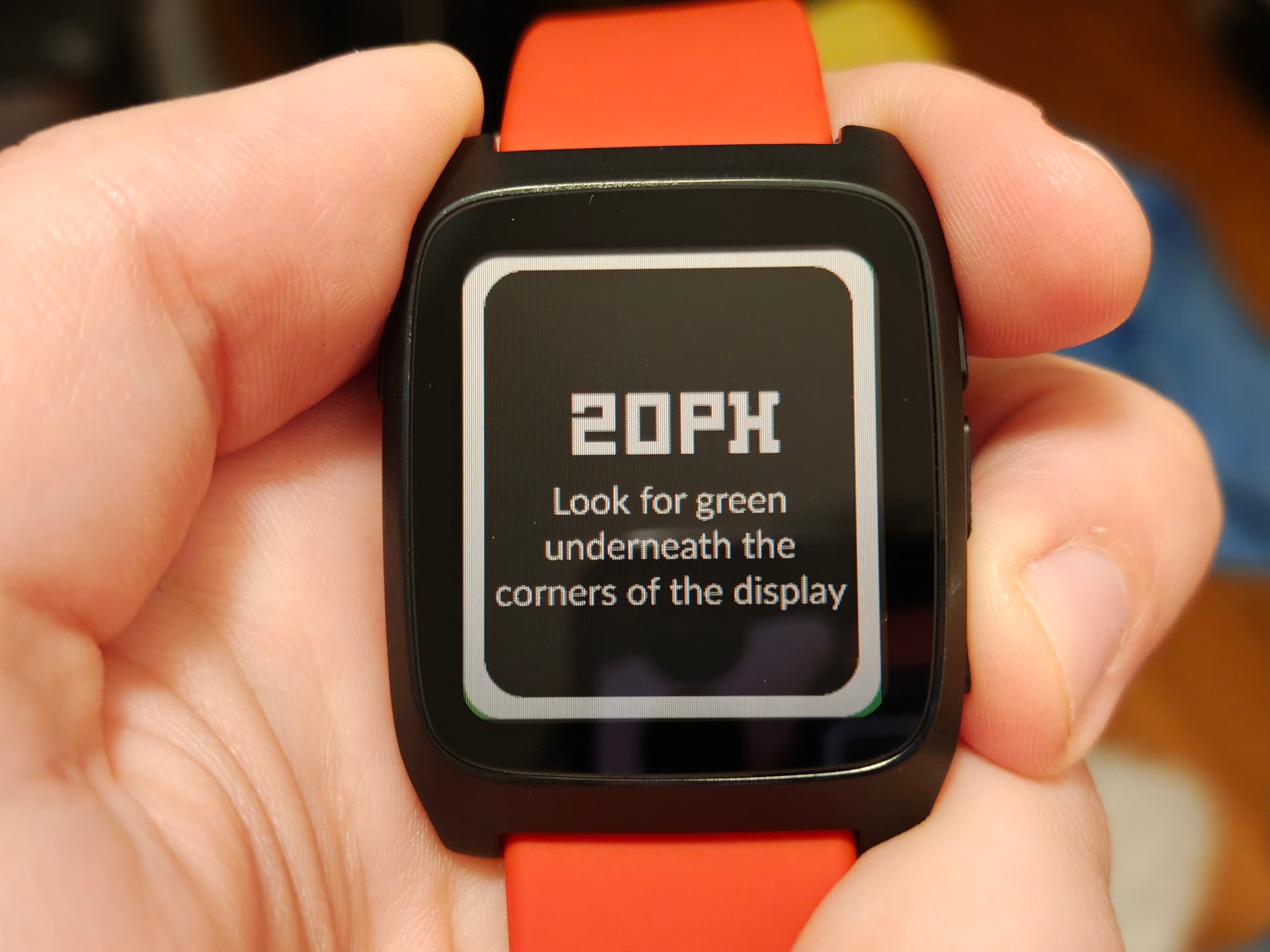
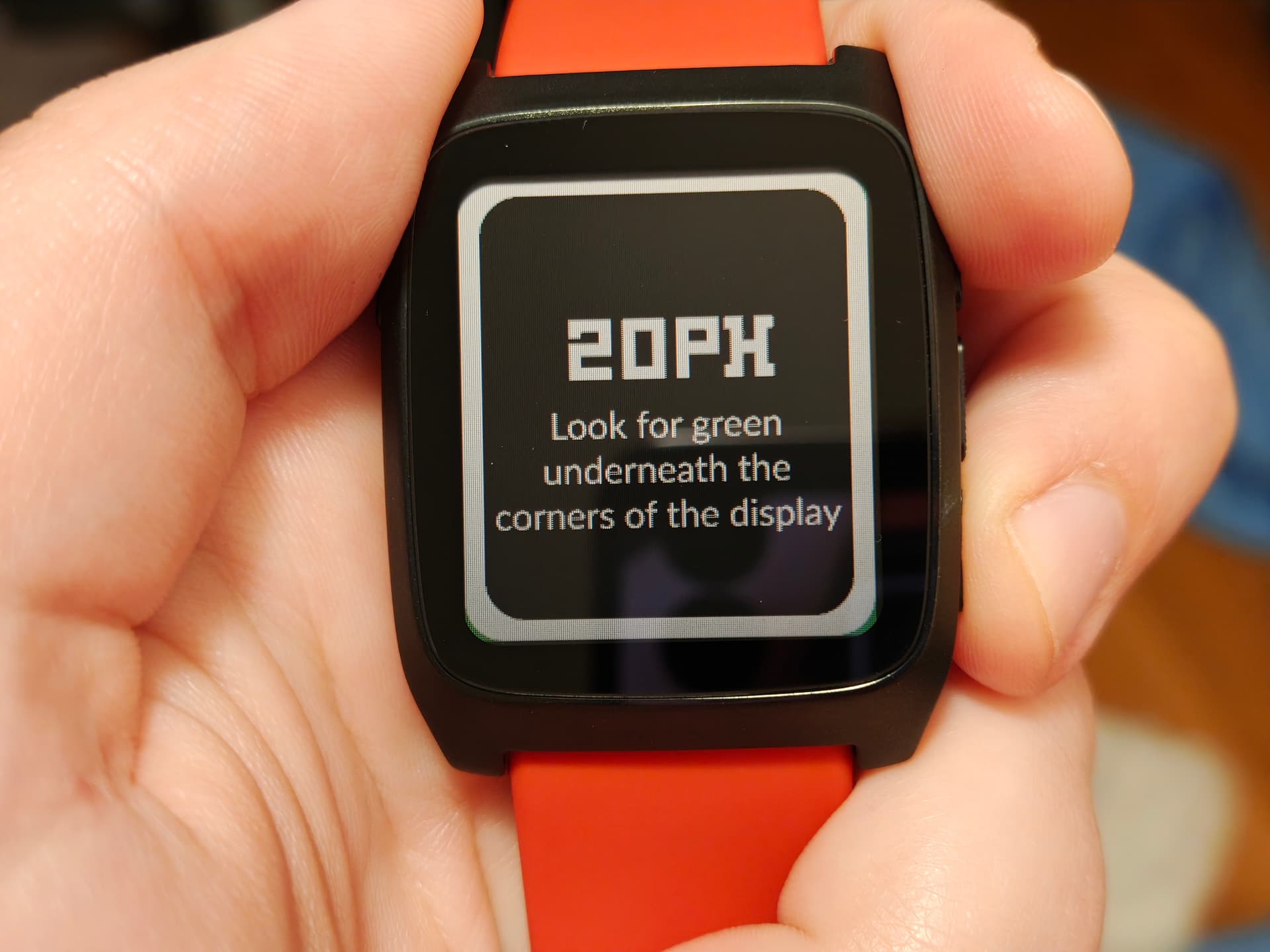
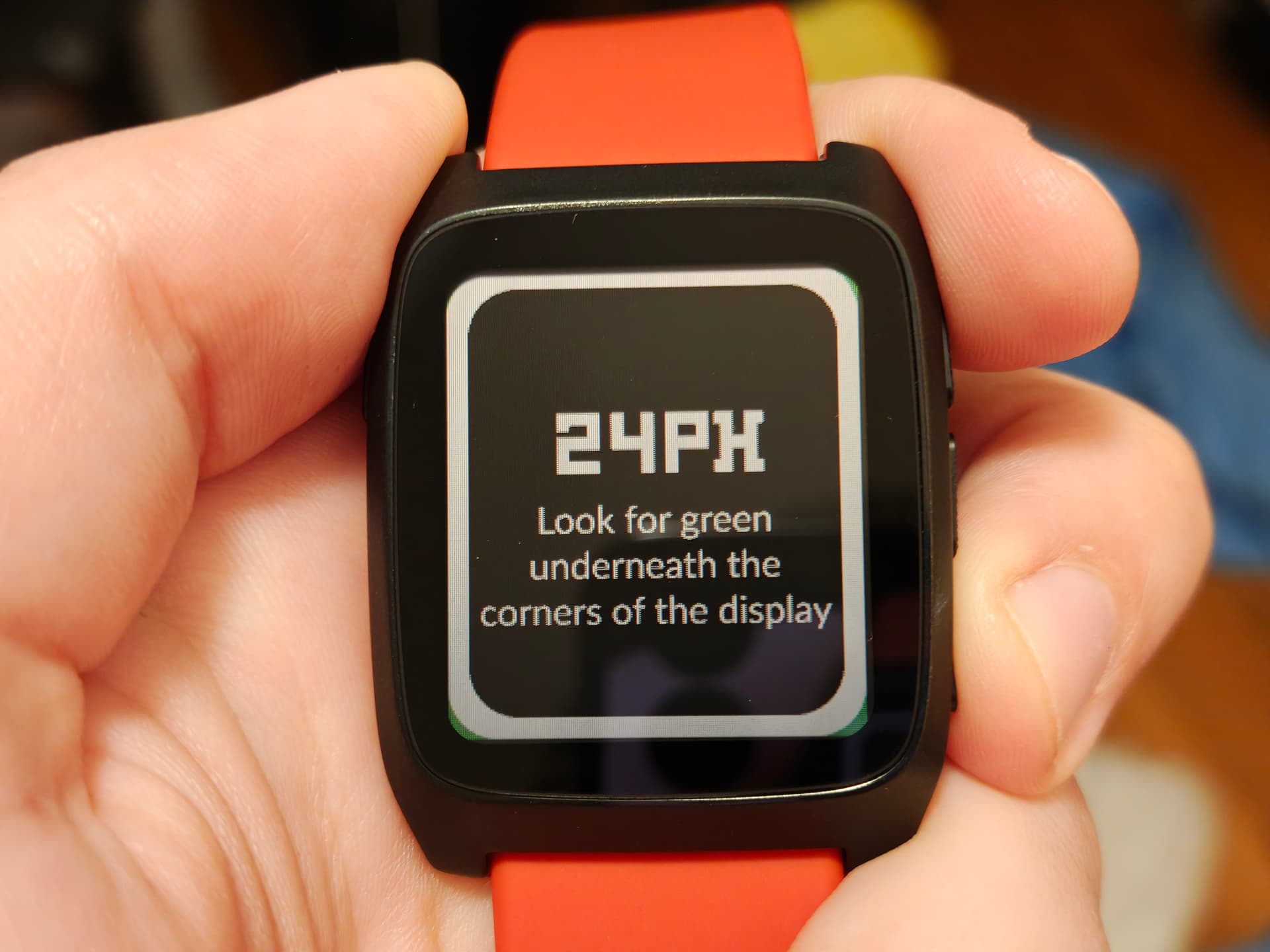
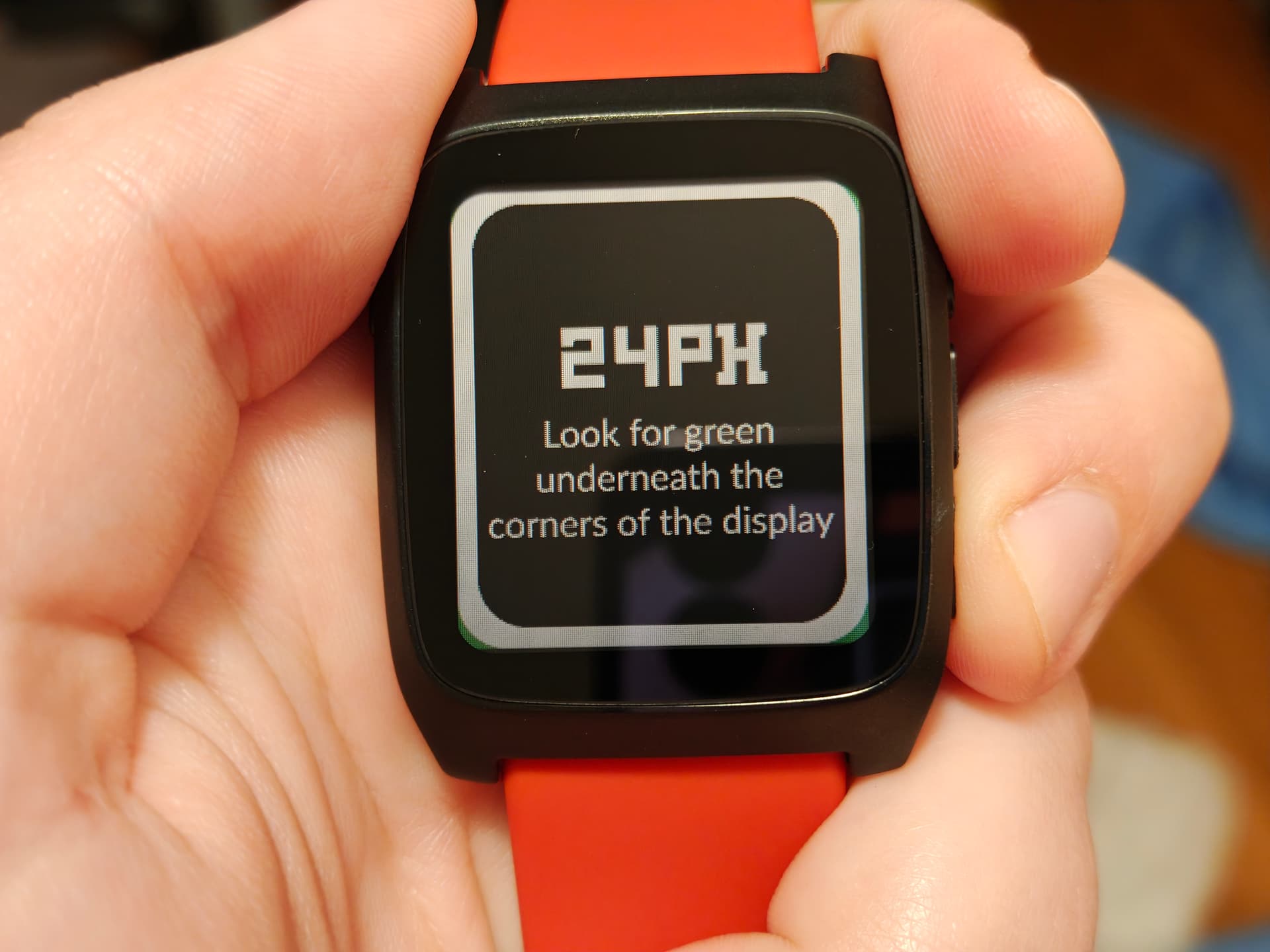
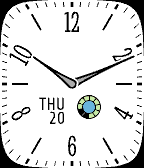
For posterity, I did check the screen alignment some more, and I don’t think the panel alignment is actually a problem, I think it just looks bad because of the floating bezel and shadow obscuring the edges of the panel at slight angles. Here is what my display looks like in PRF hardware verification:


 . Maybe if there’s no other plans to use the SF32LB52’s second graphics layer, that layer could be filled with a corner overlay at start-up? It would mean that layer can’t be used for other things, so it would be worth discussing with Core devs first.