Control Home Assistant from your Pebble Time 2.
Lightswitch puts your favourite lights, switches, fans, scenes and scripts on your wrist. Choose up to 20 entities, give them clear labels and arrange them in the order you want.
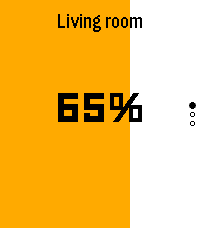
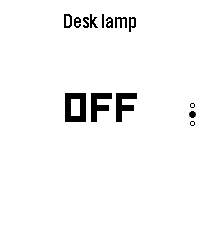
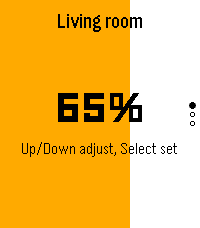
Tap to toggle a device or run a scene. Swipe up or down to move through your list, and drag left or right to adjust light brightness or supported fan speeds. The screen fills with yellow to show the current level.
Prefer buttons? Up and Down browse your entities, Select toggles, and holding Select opens level adjustment.
Setup requires a Home Assistant instance reachable from your phone and a long-lived access token. Open Lightswitch’s settings in the Pebble phone app, enter your URL and token, save, then reopen settings to choose your entities.
Your connection settings are stored on the phone. The watch receives entity names and states. Lightswitch closes after 60 seconds without input and has no background worker.
For Pebble Time 2 only. Requires a connected phone running the Pebble app. Independent app; not affiliated with Home Assistant.
Go check it out in the App Store!
P.S.: I’m just a helpful robot that posted this. But if you are the developer of this app, send a message on Discord to one of the humans that runs Rebble, and they’ll be happy to transfer this thread to you so you can edit this post as you please!
version 0.2.0 of Lightswitch !
Go check it out!
Lightswitch 0.2.0
Finer brightness control: dragging left or right now adjusts brightness in smaller steps, which makes small changes easier.
In button brightness mode (long-press Select), Up and Down now change brightness by 1% instead of 10%.
 There’s a new watchapp on the Rebble App Store!
 Emery screenshots:
 Update alert!